Stripping & unstripping
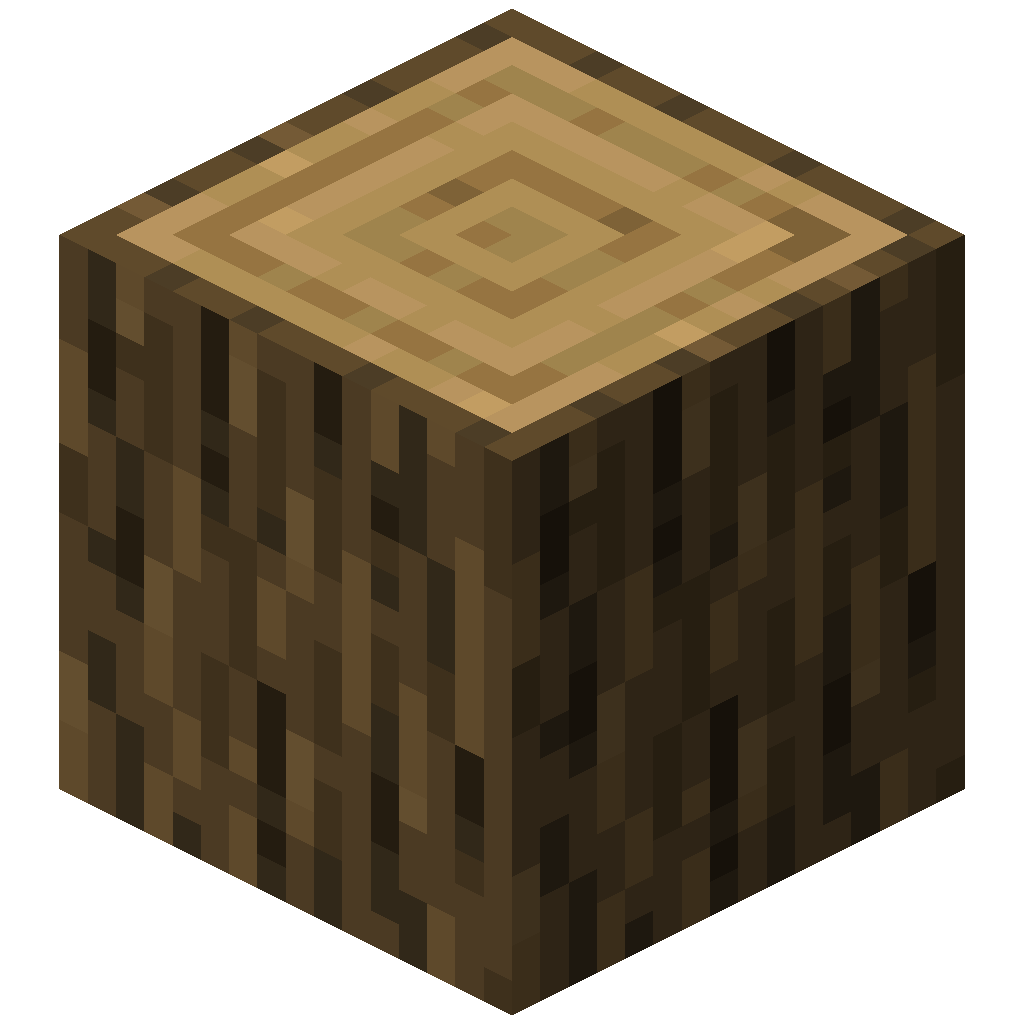 +
+ ➜
➜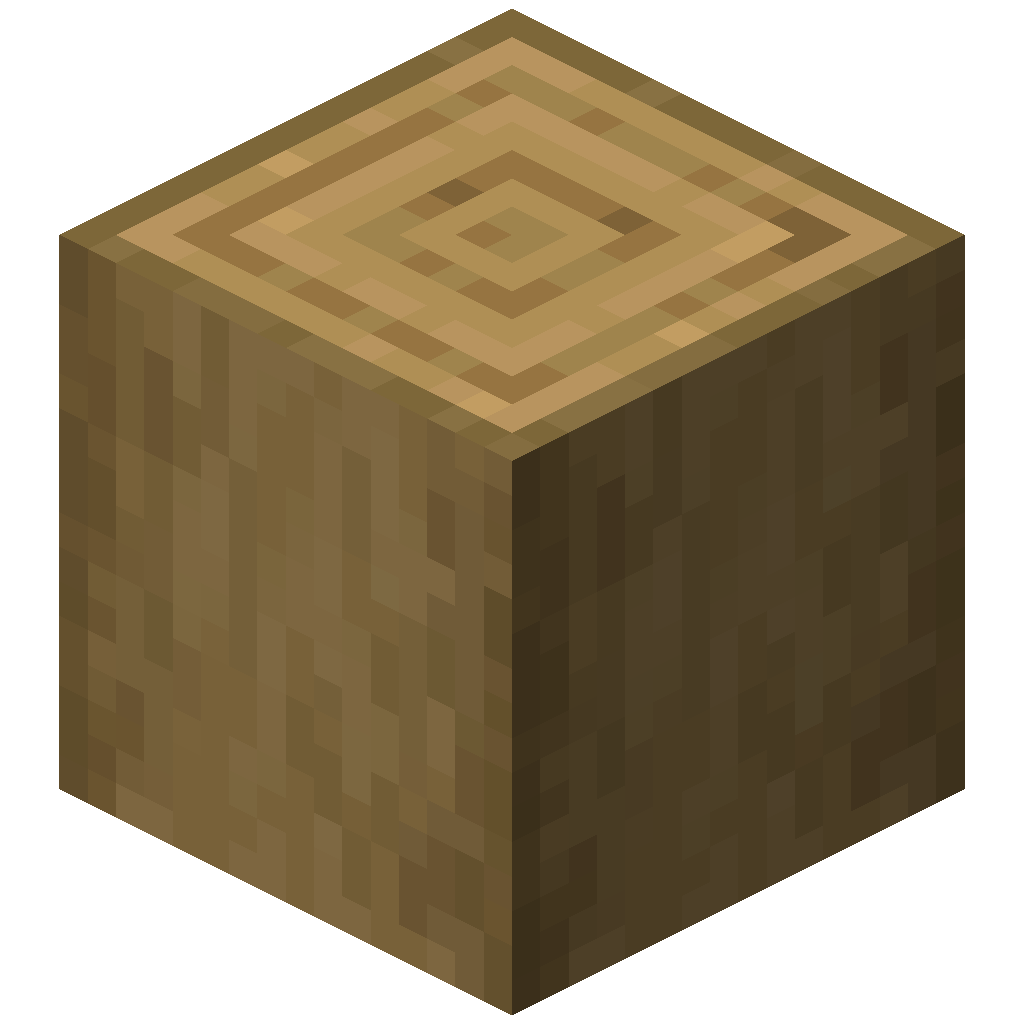 +
+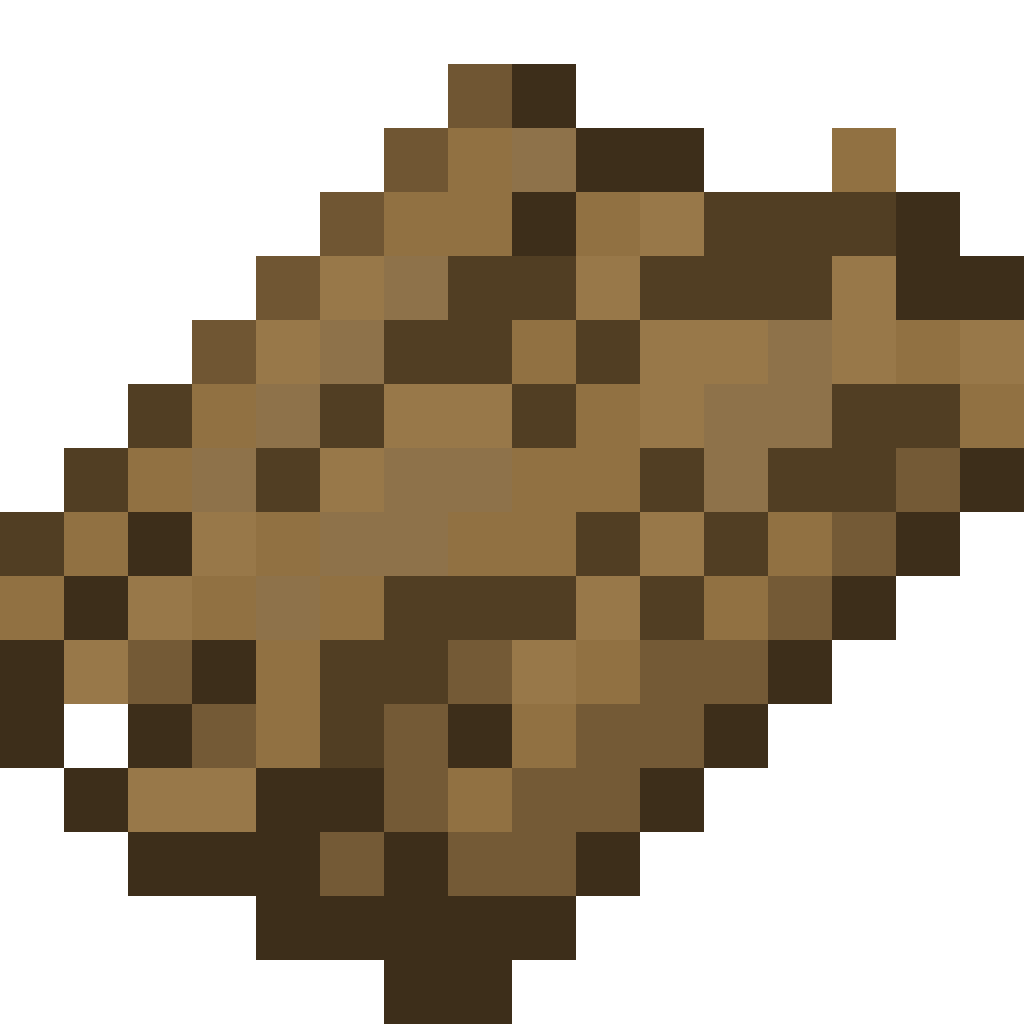 Drops Oak Bark+➜Uses one Oak Bark
Works the same on Oak Wood ⇄ Stripped Oak Wood.
Stripping
Stripping works exactly like vanilla: right-click a log, wood, stem, hyphae or bamboo block with an axe. On top of that, an item drops just above the block.
- Any axe works, including modded ones, as long as the game treats it as an axe.
- Use your main hand. Like vanilla, a shield in your off hand blocks stripping unless you sneak.
- Which blocks count. The mod reads the axe's stripping rules from the game, so every block an axe can strip is covered, vanilla or modded. A few mods strip their logs with their own code instead; those logs are not detected automatically, but you can still add them to the unstrip detailed config.
What drops
The drop is decided in this order:
- The log has its own entry in
unstrip-detailed.json: that entry'sdropitem. By default every vanilla wood has an entry that drops its own bark type. - The log has no entry and
allowUnknownLogis on: the item set in the common config, plain Bark by default. This is what modded logs drop. - Otherwise nothing drops. The log is still stripped as normal.
Unstripping
Hold the right item and right-click a stripped block. The block turns back into its unstripped version, keeps its facing, plays the stripping sound, and one item is used up.
The item has to match exactly:
| Stripped block | Item that unstrips it |
|---|---|
Has an entry in unstrip-detailed.json | The entry's unstrip_item, or its drop when there is no unstrip_item |
No entry, and allowUnknownLog is on | The item set in the common config (plain Bark) |
No entry, and allowUnknownLog is off | Nothing, it stays stripped |
"Exactly" includes the bark type. Oak Bark and Birch Bark are the same item with a different bark type, so only one of them fits a given log.
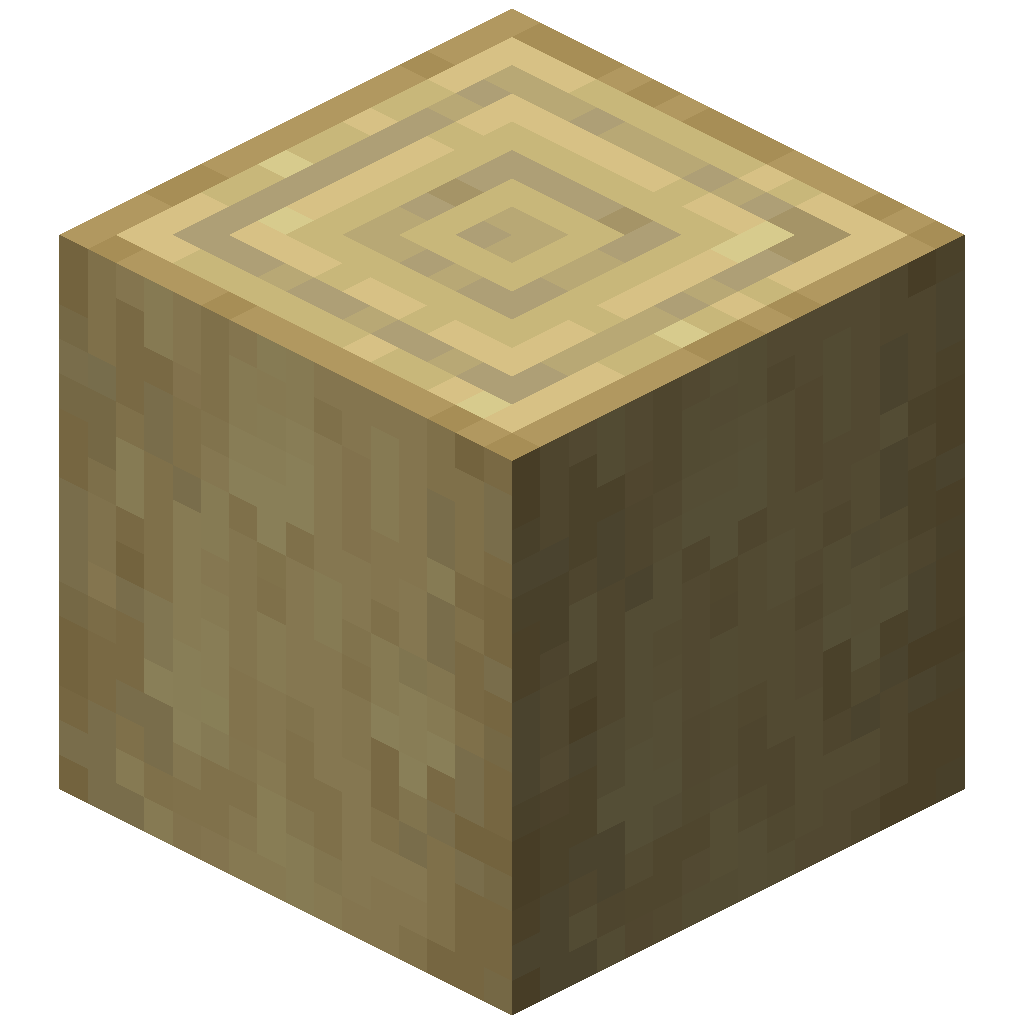 +
+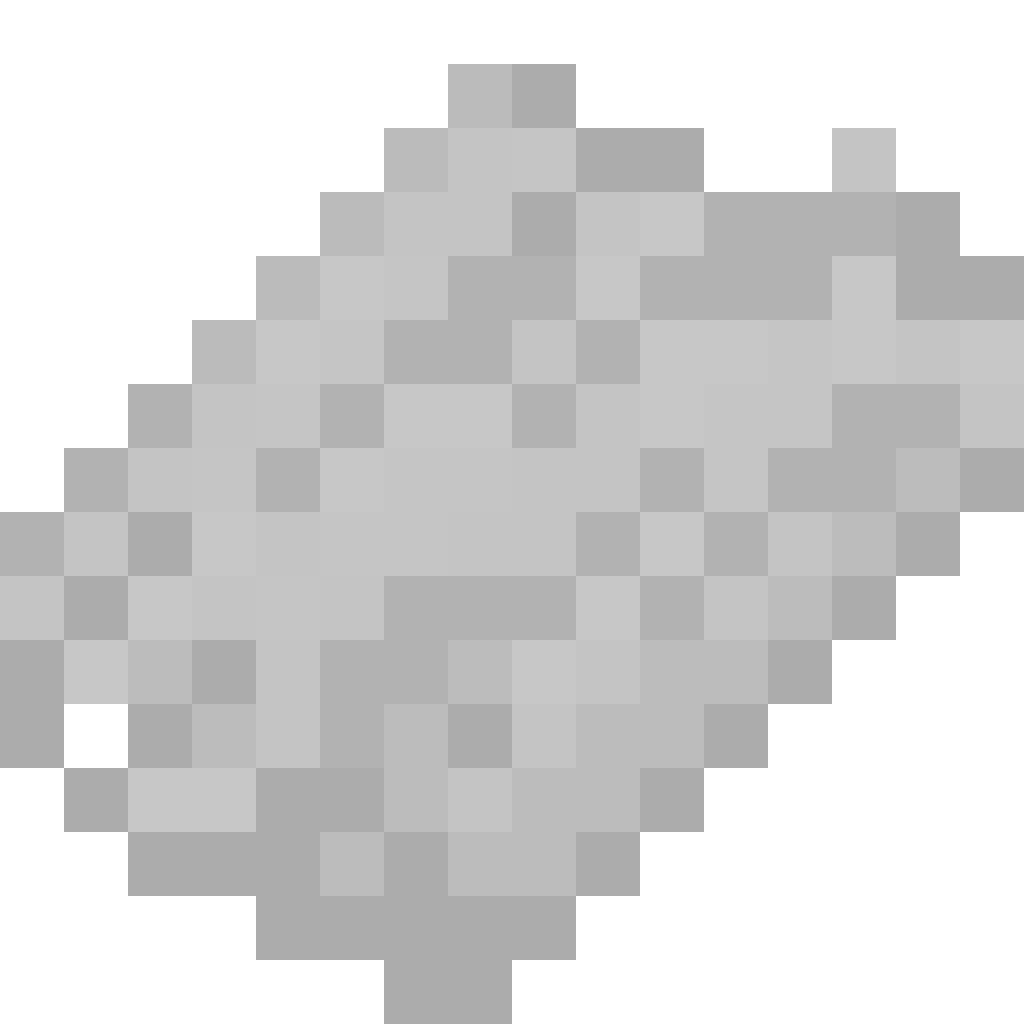 ➜
➜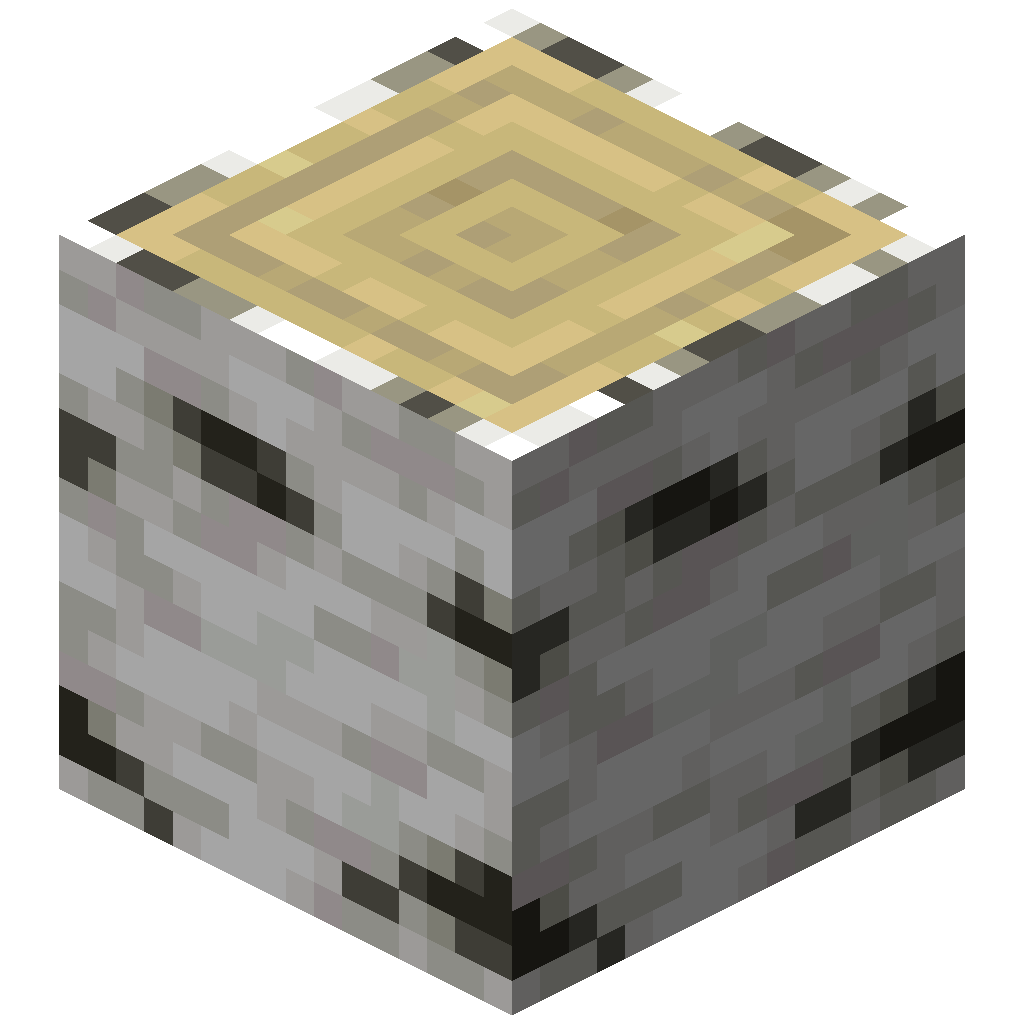 Uses one Birch Bark
Works the same on Birch Wood ⇄ Stripped Birch Wood.
Stripped by accident?
Pick the bark back up before it despawns, then right-click the log with it. Nothing else is needed.