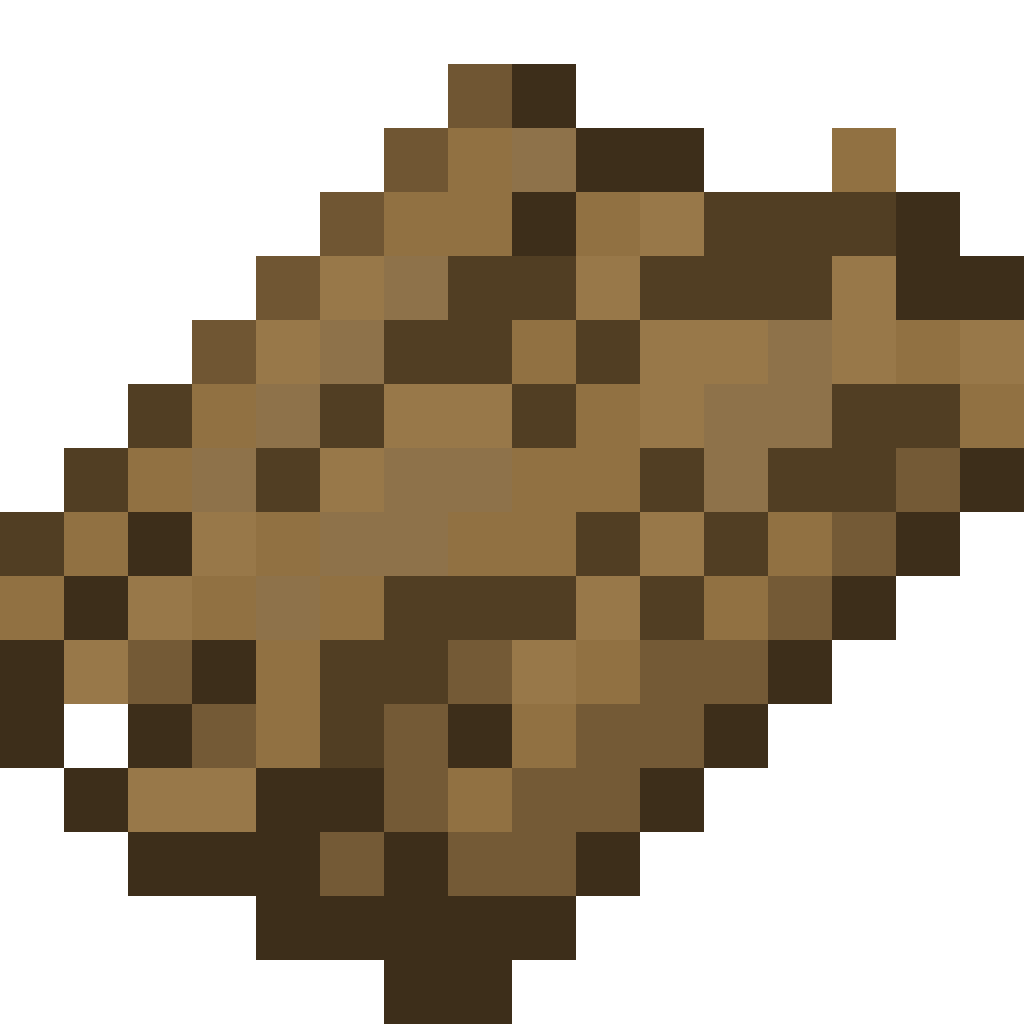
Example: a modded wood
Out of the box, logs from other mods drop plain Bark. This walkthrough gives a modded wood its own Maple Bark, using a made-up mod mymod with these blocks:
| Block | Stripped block |
|---|---|
mymod:maple_log | mymod:stripped_maple_log |
mymod:maple_wood | mymod:stripped_maple_wood |
Replace the ids with the real ones. To find a block's id, look at it with the F3 screen open, or press F3 + H to show ids in item tooltips.
1. Resource pack
Create a resource pack with the bark's name and texture. The texture can go in any namespace; this example keeps it next to the mod's own.
maple_bark_pack/
├── pack.mcmeta
└── assets/
    ├── unstriplog/
    │   └── lang/
    │       └── en_us.json
    └── mymod/
        └── textures/
            └── item/
└── maple_bark.png{
"item.unstriplog.maple_bark": "Maple Bark"
}Put the pack in resourcepacks and turn it on. On a server, every player needs it; see Multiplayer.
2. Bark type
Add the bark type to config/unstriplog/bark-type.json so it appears in the creative menu:
[
  // ...the existing entries...
  {
    "name": "maple",
    "texture": "mymod:textures/item/maple_bark.png"
  }
]
This file is only read at startup. Restart the game after saving.
3. Log entries
Add an entry for the log and one for the wood to config/unstriplog/unstrip-detailed.json. The unstriplog:bark_type values must be the same as in bark-type.json.
[
  // ...the existing entries...
  {
    "base": "mymod:maple_log",
    "stripped": "mymod:stripped_maple_log",
    "drop": {
      "id": "unstriplog:bark",
      "components": {
        "unstriplog:bark_type": {
          "name": "maple",
          "texture": "mymod:textures/item/maple_bark.png"
        }
      }
    }
  },
  {
    "base": "mymod:maple_wood",
    "stripped": "mymod:stripped_maple_wood",
    "drop": {
      "id": "unstriplog:bark",
      "components": {
        "unstriplog:bark_type": {
          "name": "maple",
          "texture": "mymod:textures/item/maple_bark.png"
        }
      }
    }
  }
]
The file is plain JSON, so leave out the // ... comments. It is reloaded as soon as you save. The entry builder can write these entries for you.
Result
- Stripping a maple log or maple wood drops Maple Bark.
- Maple Bark unstrips stripped maple logs and wood, and nothing else.
- Plain Bark no longer unstrips maple, because the maple blocks now have entries of their own.
- Maple Bark is in the Ingredients tab, and JEI shows both blocks after you rejoin.
Something not working?
- Missing texture (purple and black): the texture path in the config does not match the file in the resource pack, or the pack is off.
- Name shows as
item.unstriplog.maple_bark: the language file is missing or in the wrong folder. It must be underassets/unstriplog/lang/. - Nothing drops: check the log's id, and check the game log for
Config parse error. An entry with an unknown block or item id is skipped.