Bark type config
The bark type config lists the bark types the mod knows about. By default it has one for each vanilla wood.
File: config/unstriplog/bark-type.json. Changes apply after a restart.
It is used for two things:
- The creative menu. Each bark type appears in the Ingredients tab.
- The first
unstrip-detailed.json. When that file is created, each vanilla wood gets the bark type with the same name.
A bark type on its own does not make any log drop it. For that, add an entry to the unstrip detailed config whose drop has this bark type.
Format
The file is a JSON array of bark types.
| Field | Type | Example | Description |
|---|---|---|---|
name | String | oak | The bark type name. Must be unique. |
texture | Texture path | unstriplog:textures/item/oak_bark.png | The full path of the item texture, including textures/ and .png. |
Default file
| Bark | Dropped by | Bark type |
|---|---|---|
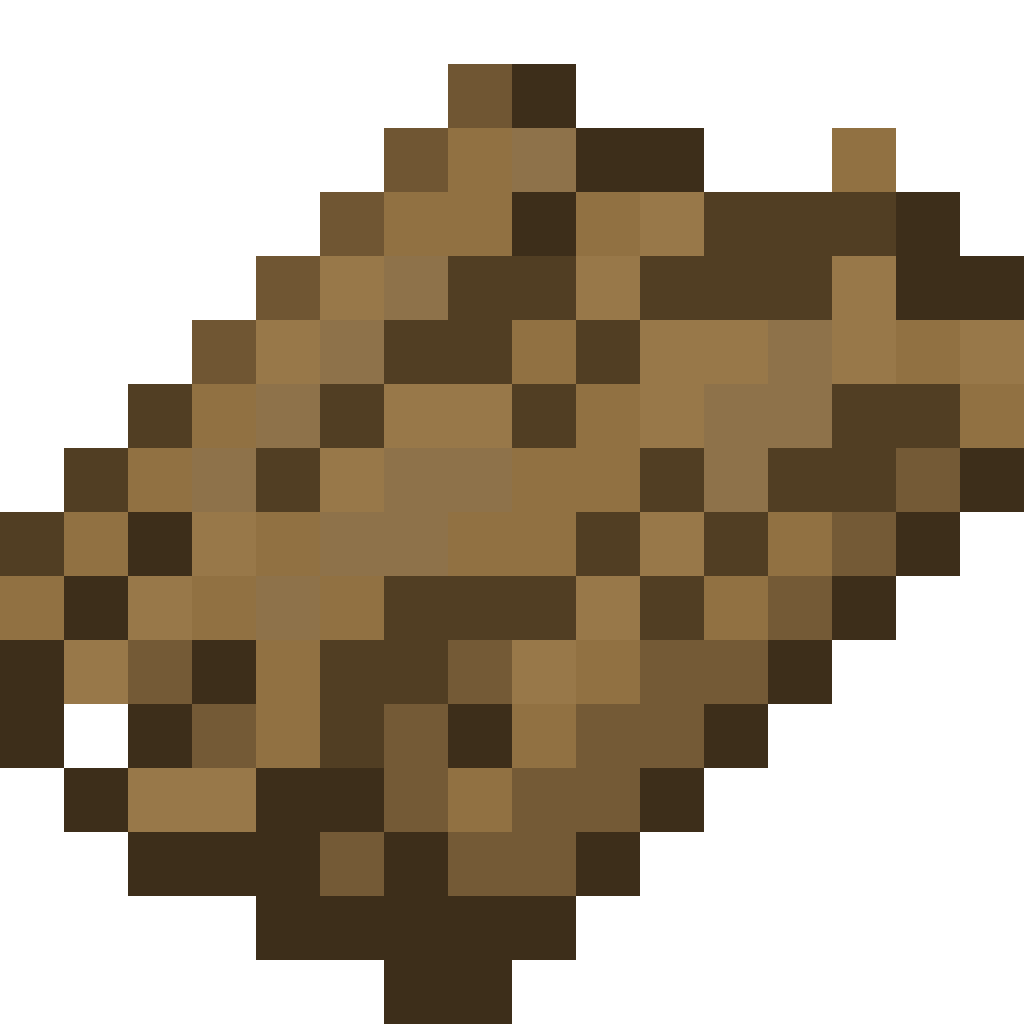 Oak Bark Oak Bark | 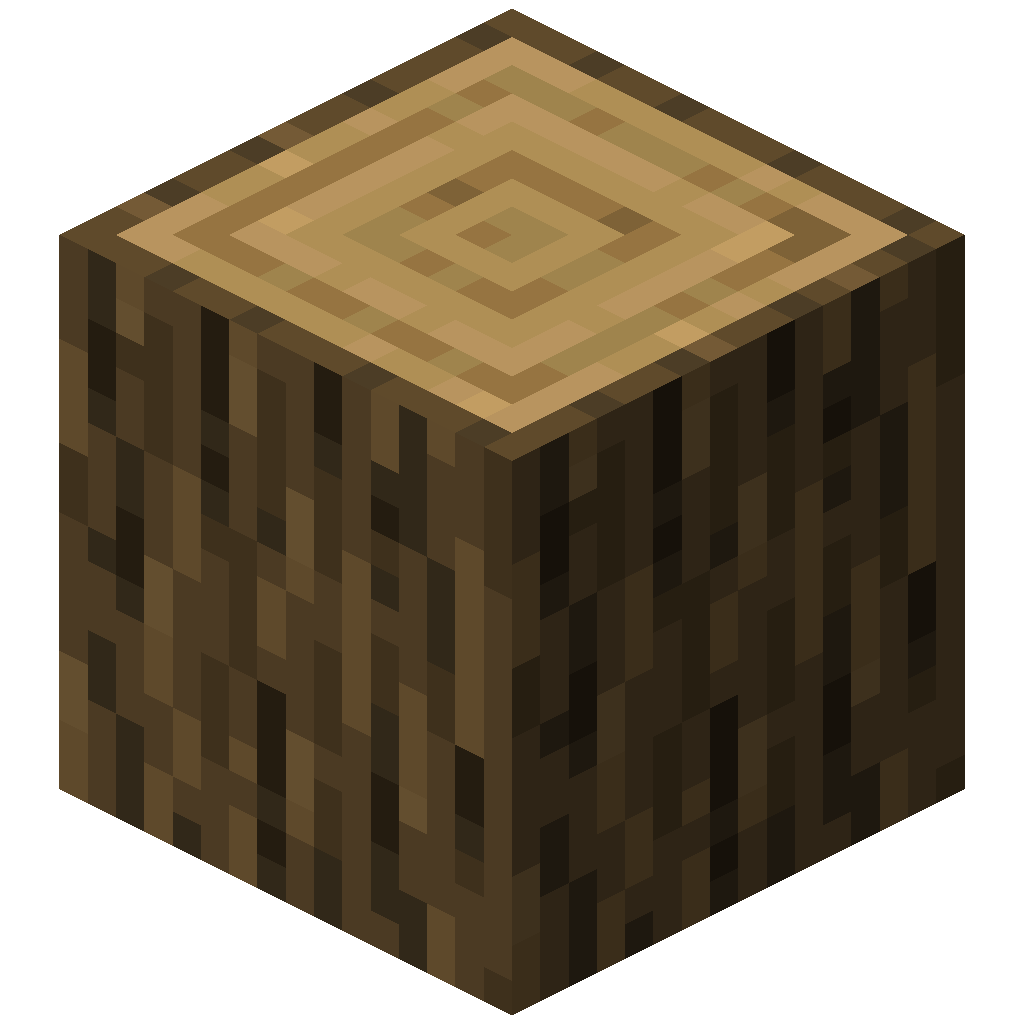 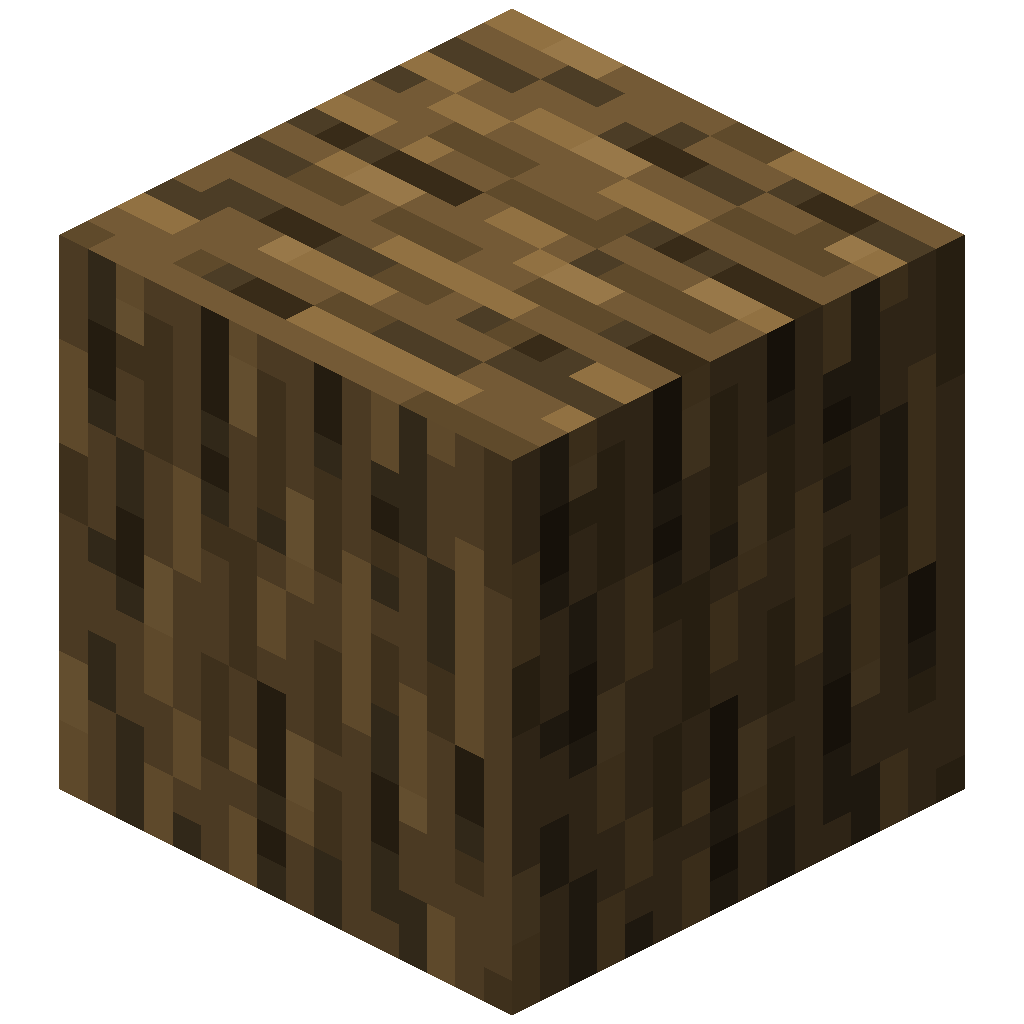 | oak |
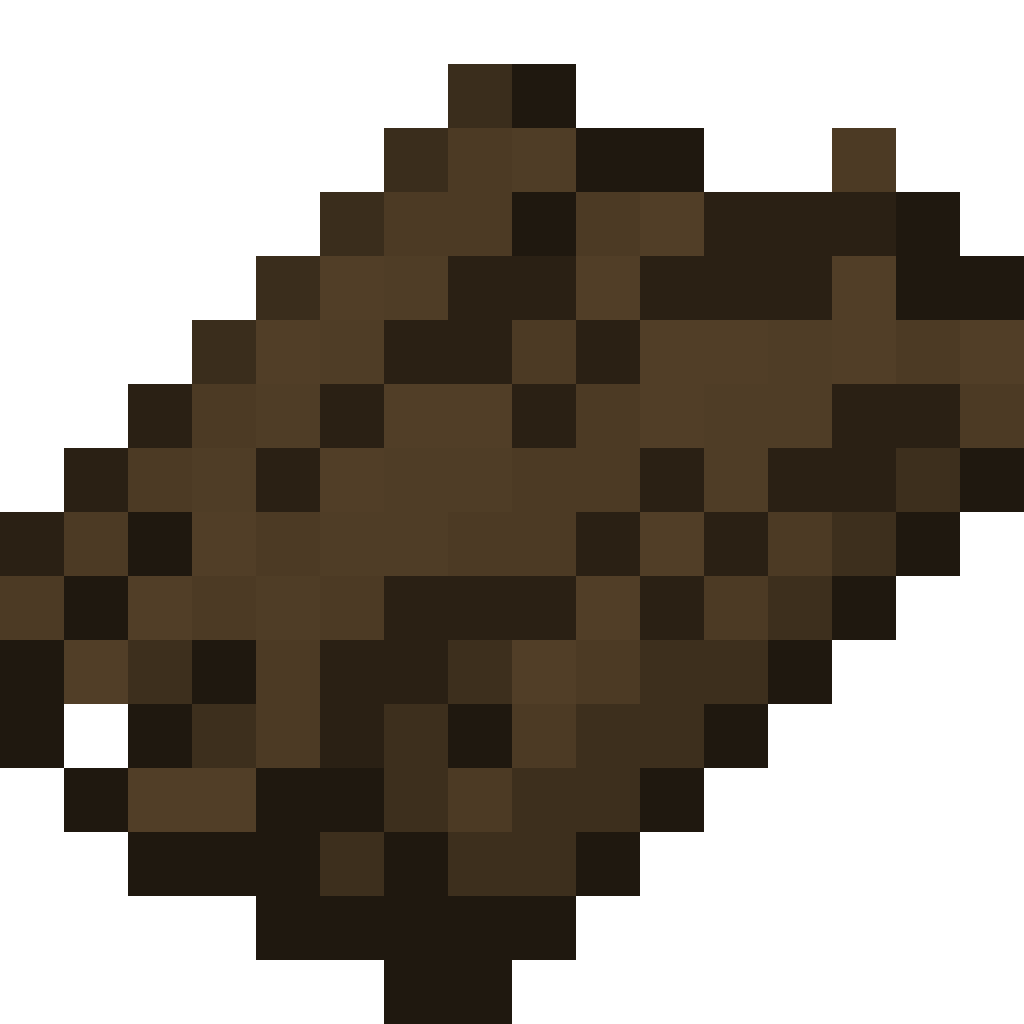 Spruce Bark Spruce Bark | 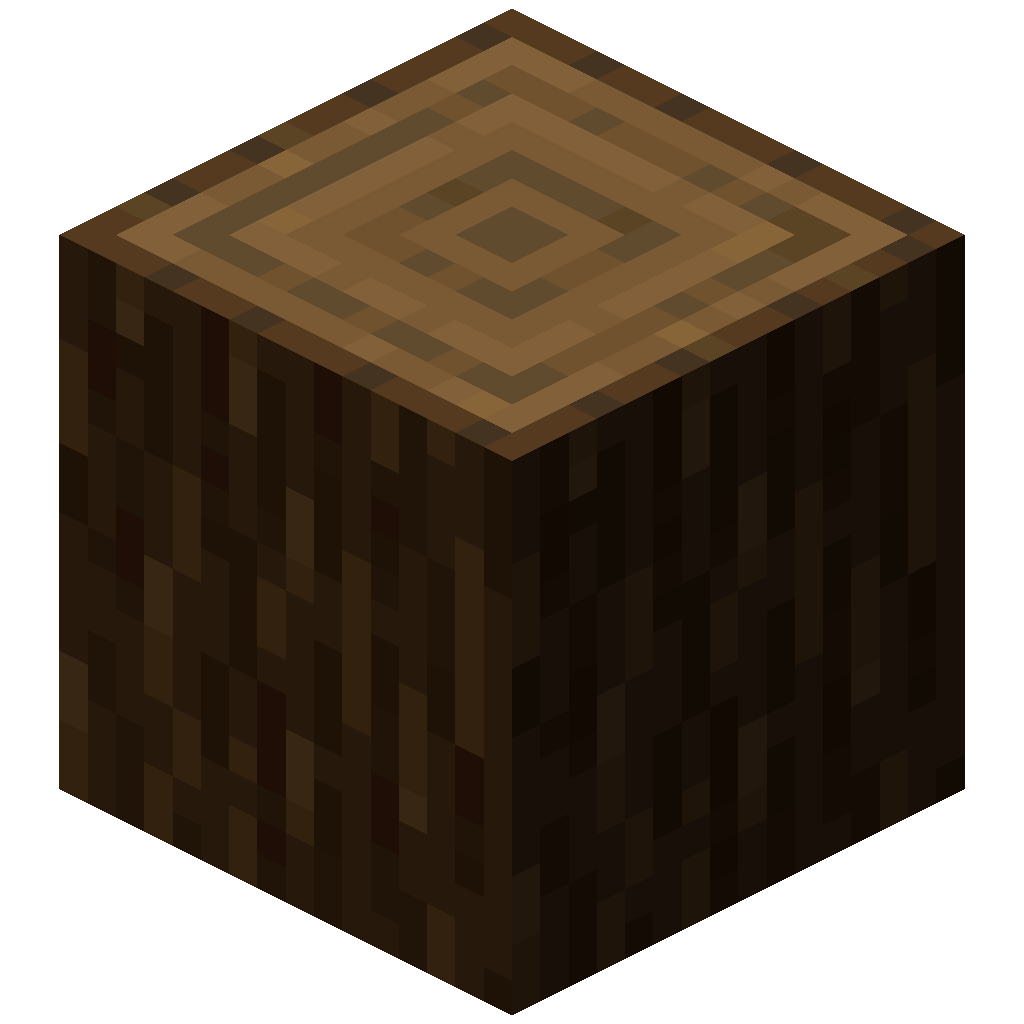 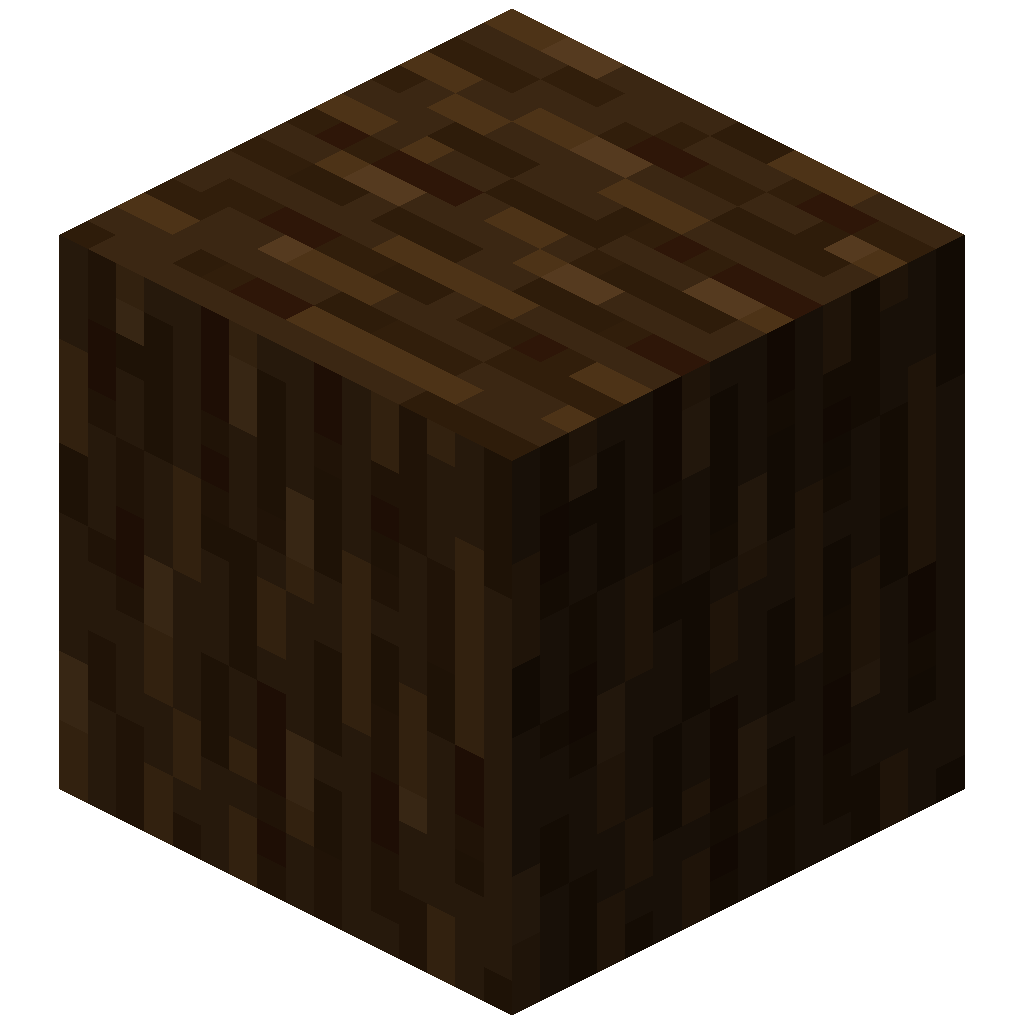 | spruce |
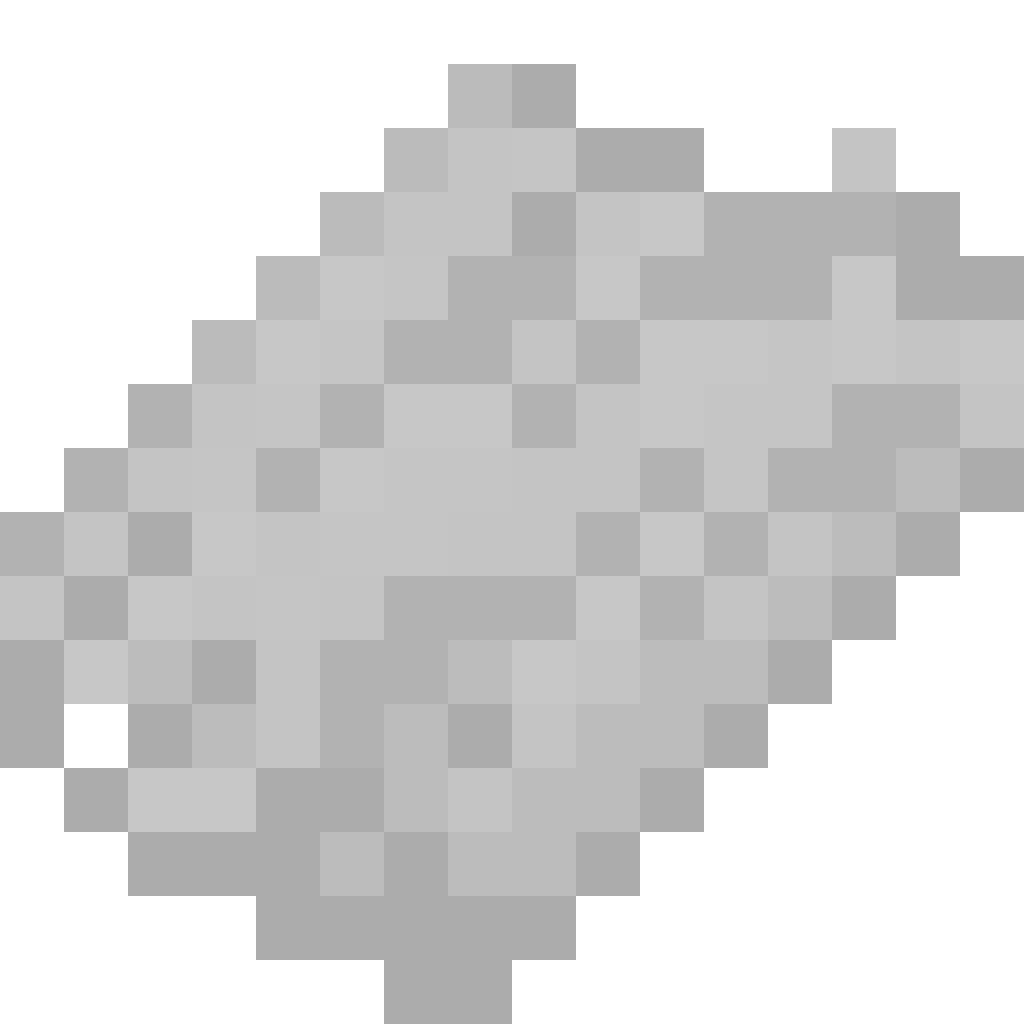 Birch Bark Birch Bark | 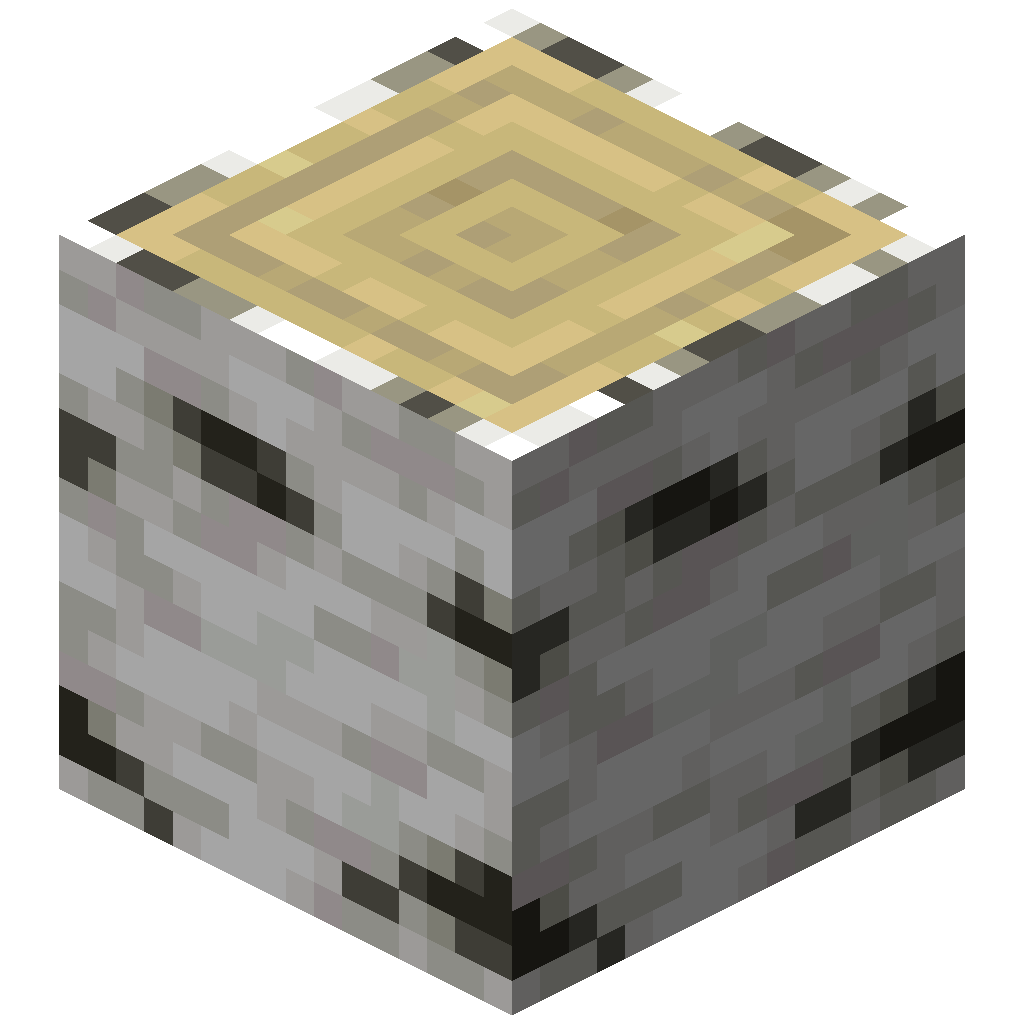 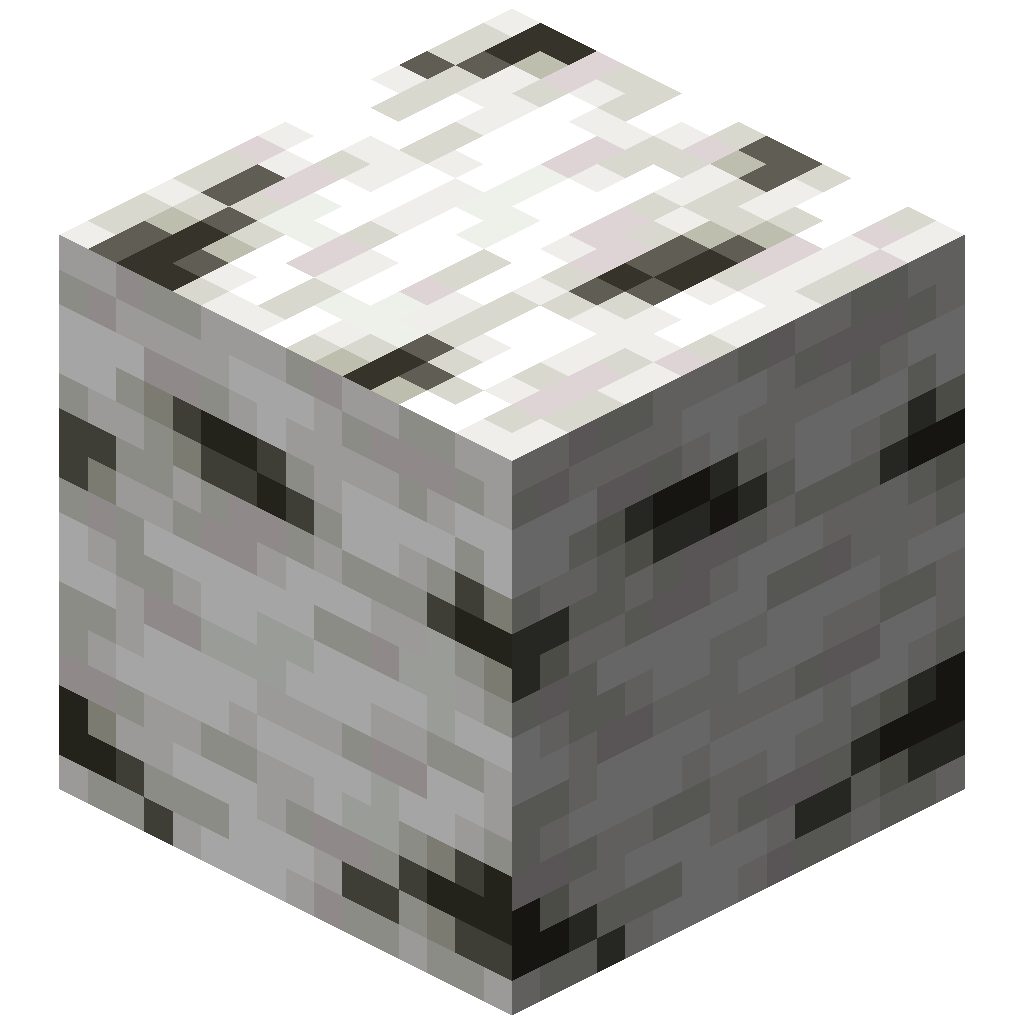 | birch |
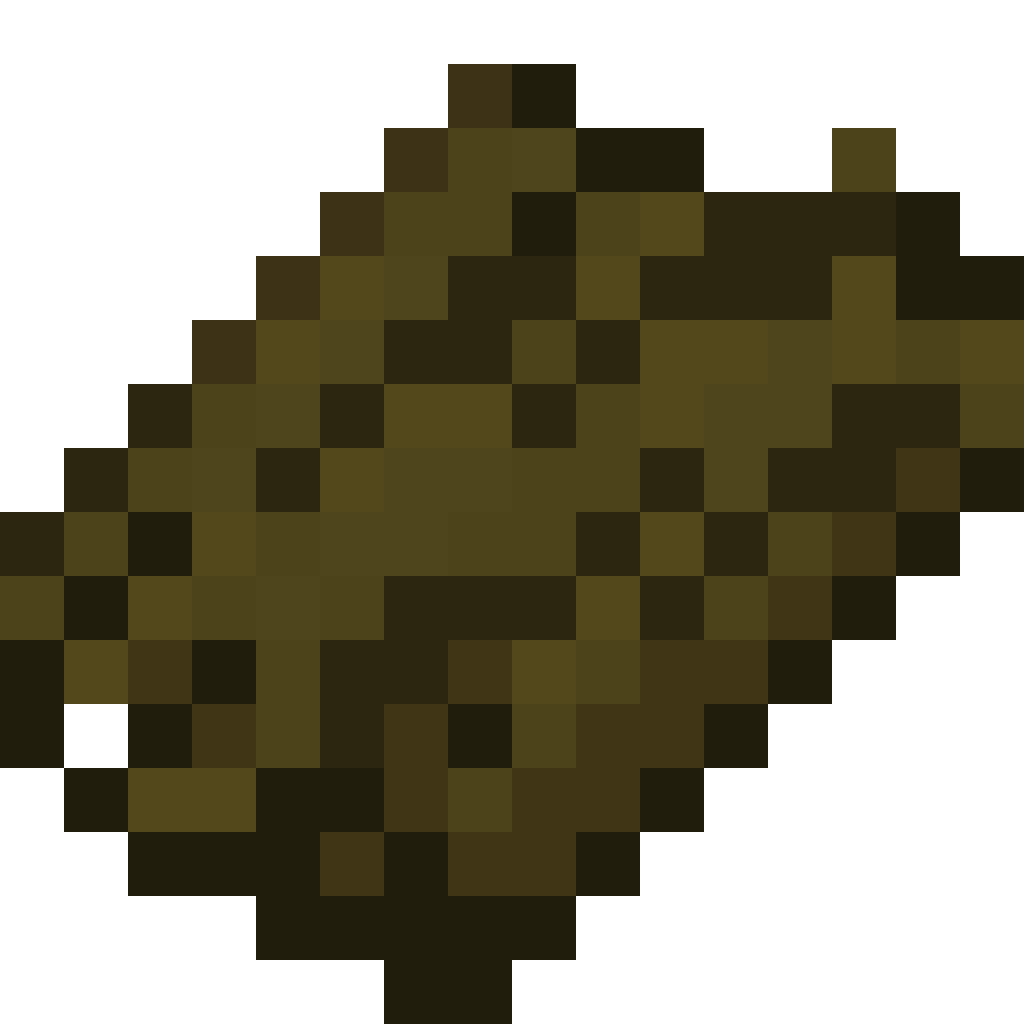 Jungle Bark Jungle Bark | 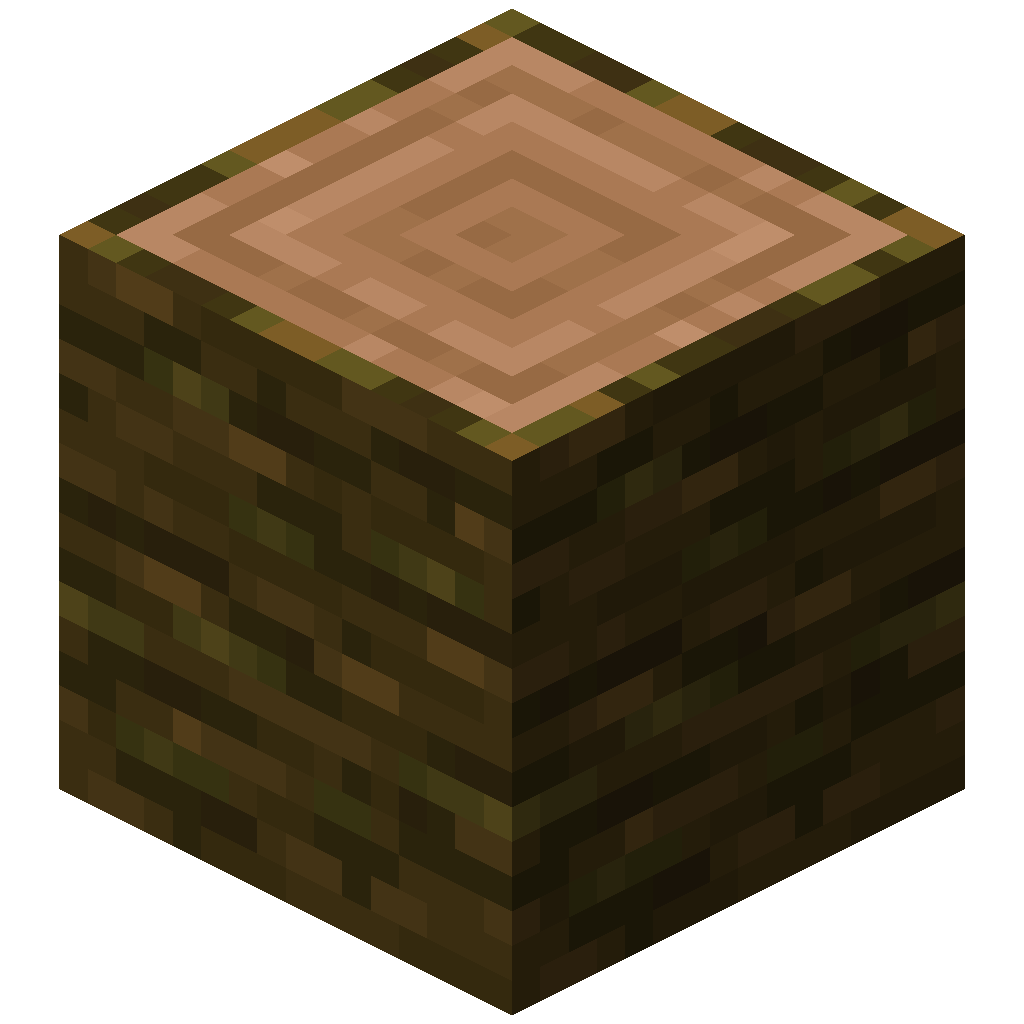 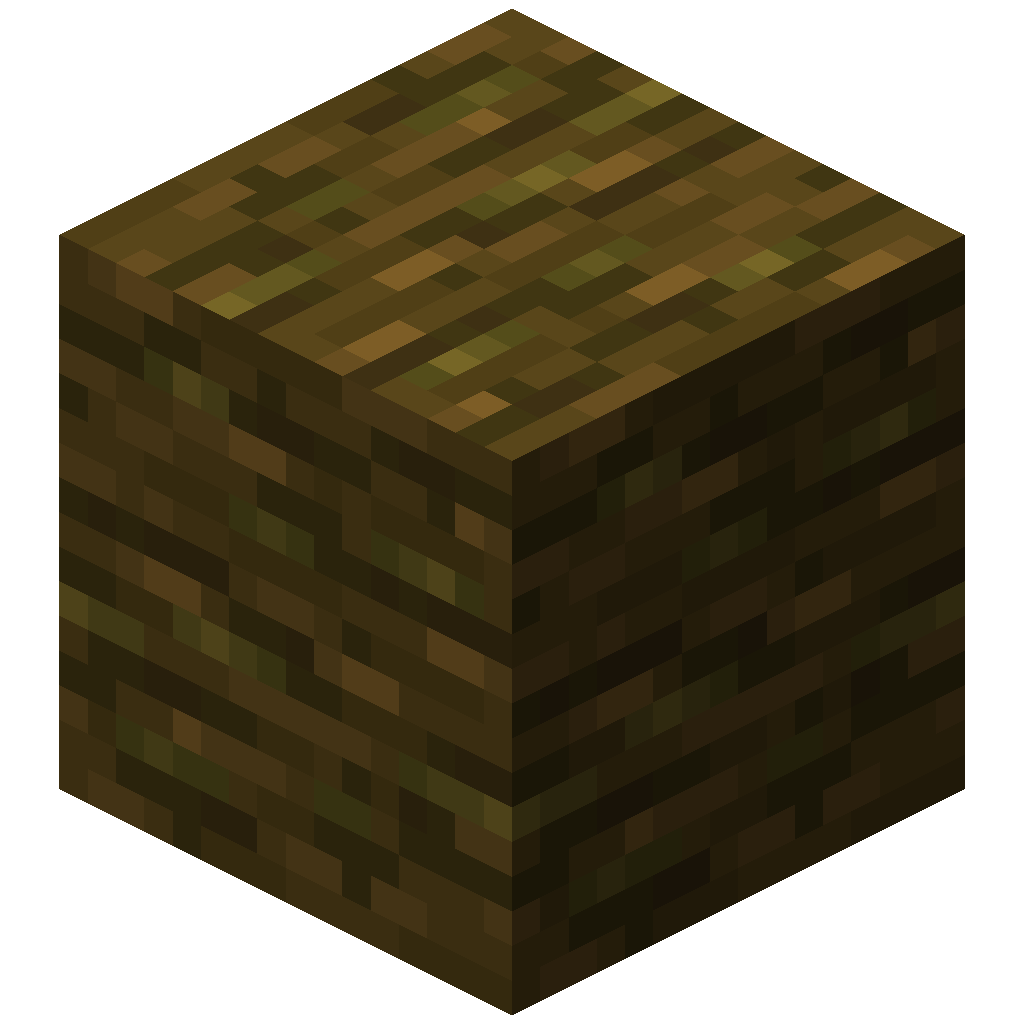 | jungle |
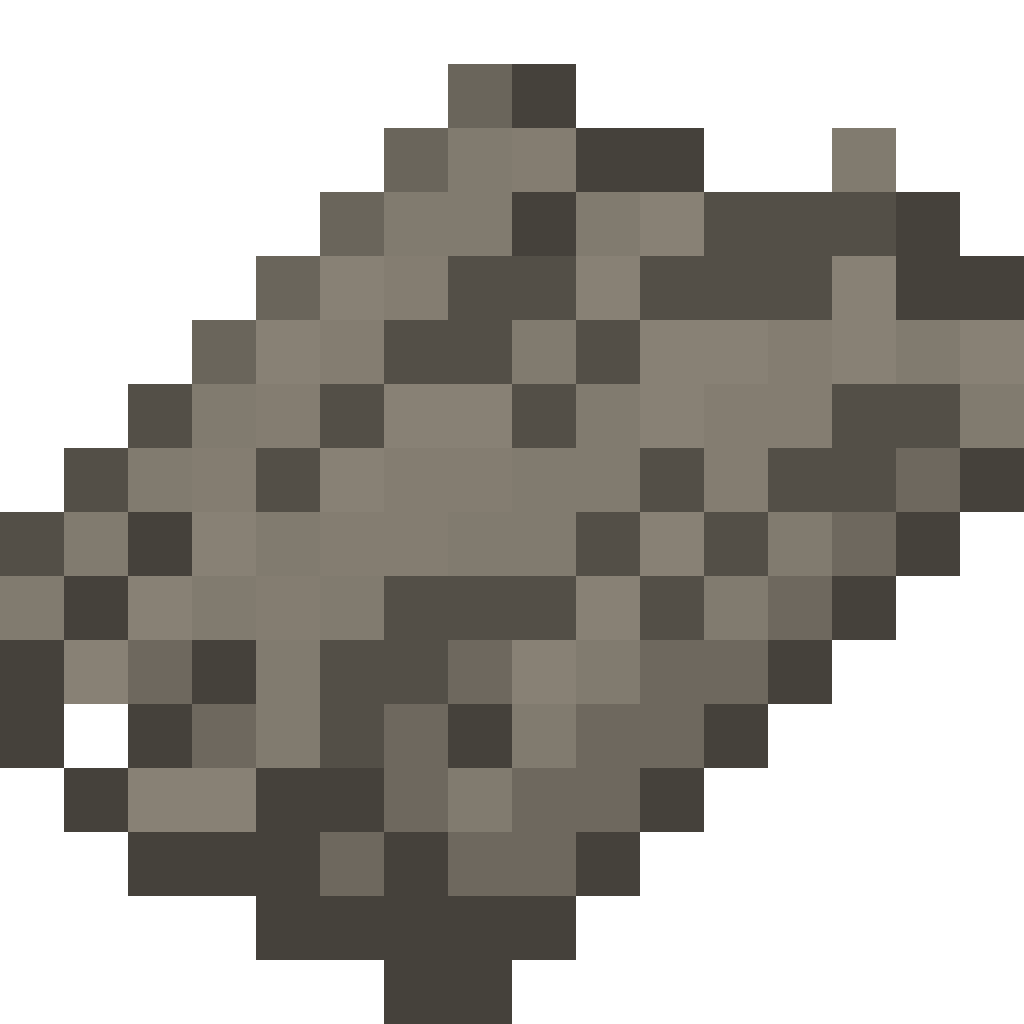 Acacia Bark Acacia Bark | 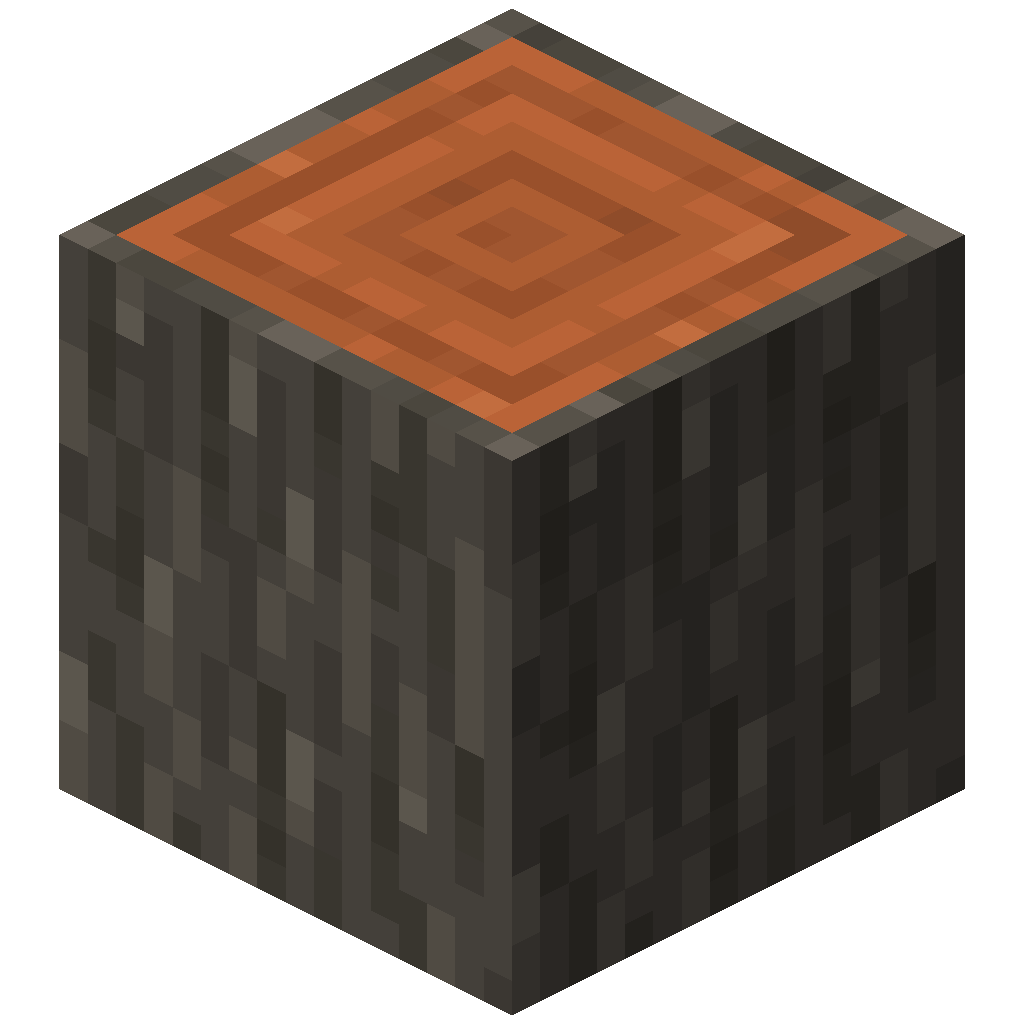 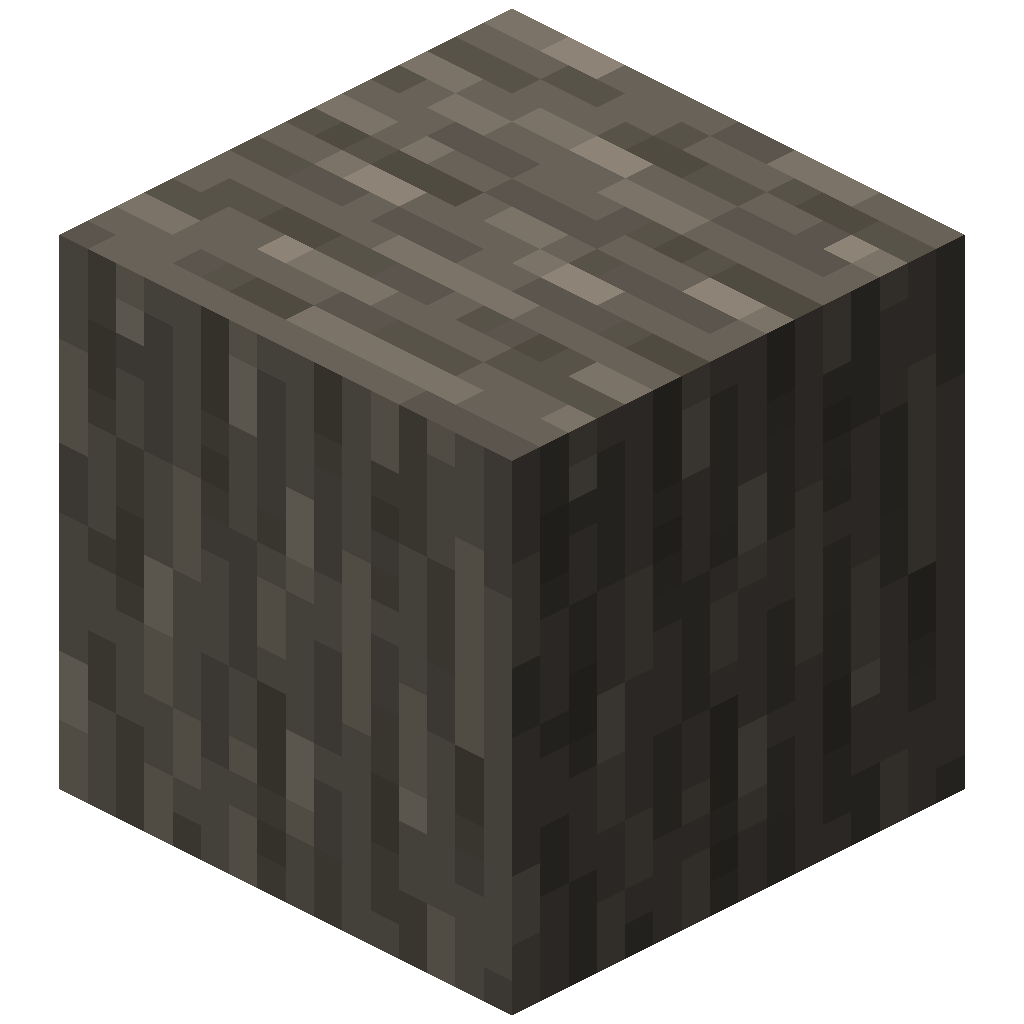 | acacia |
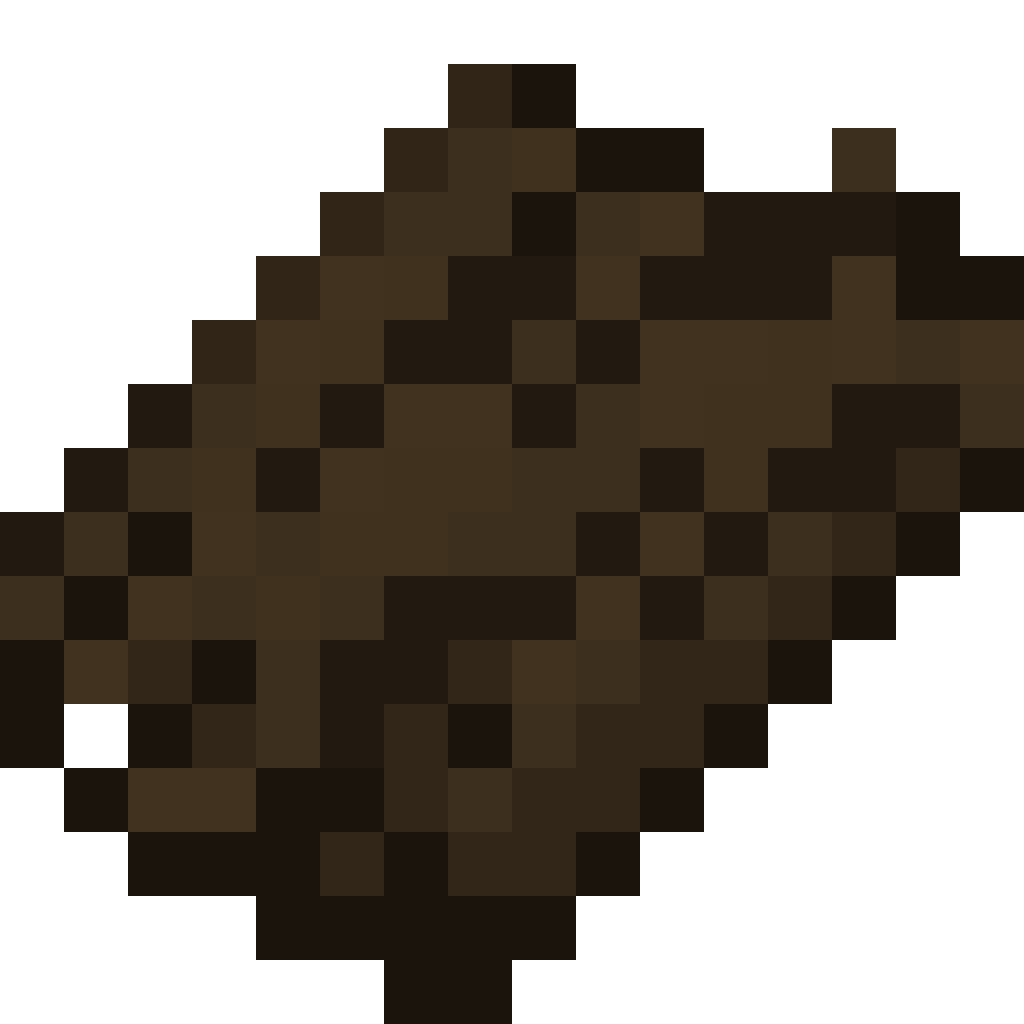 Dark Oak Bark Dark Oak Bark | 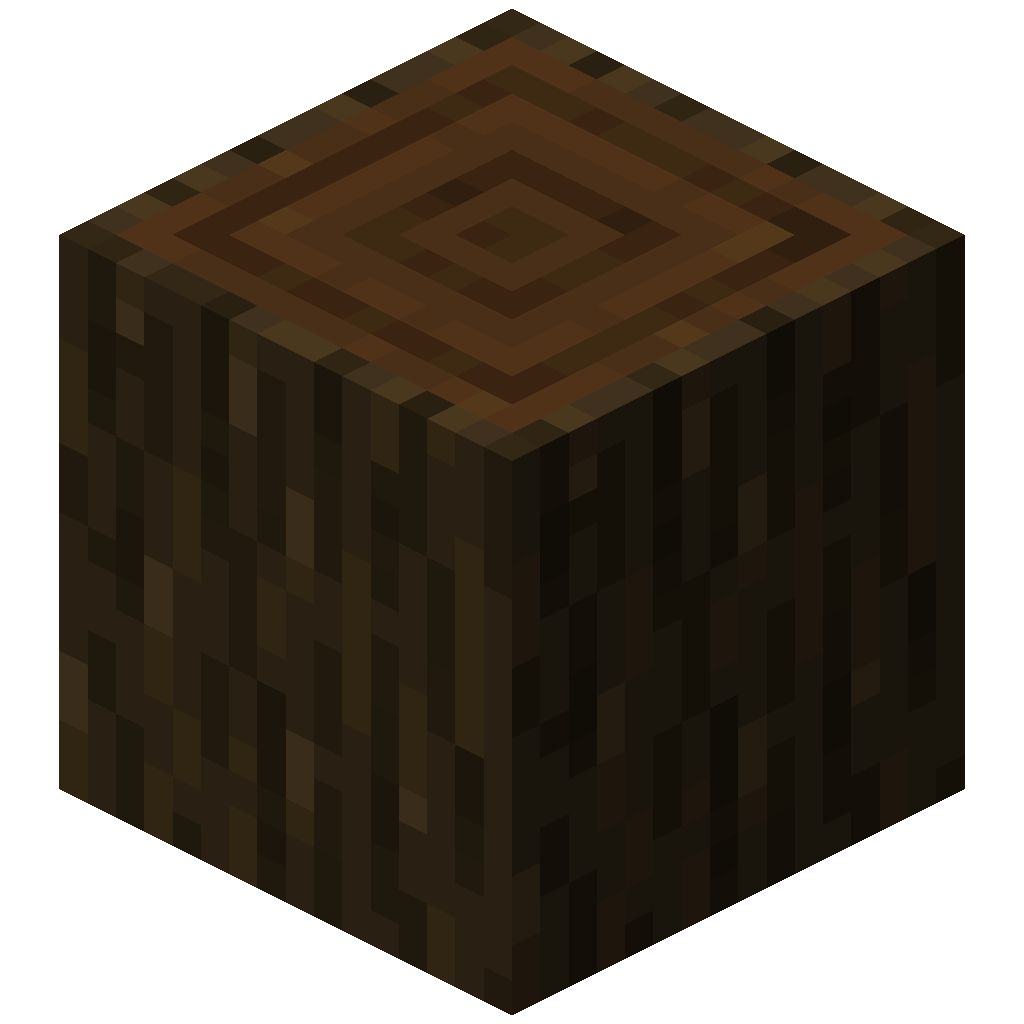 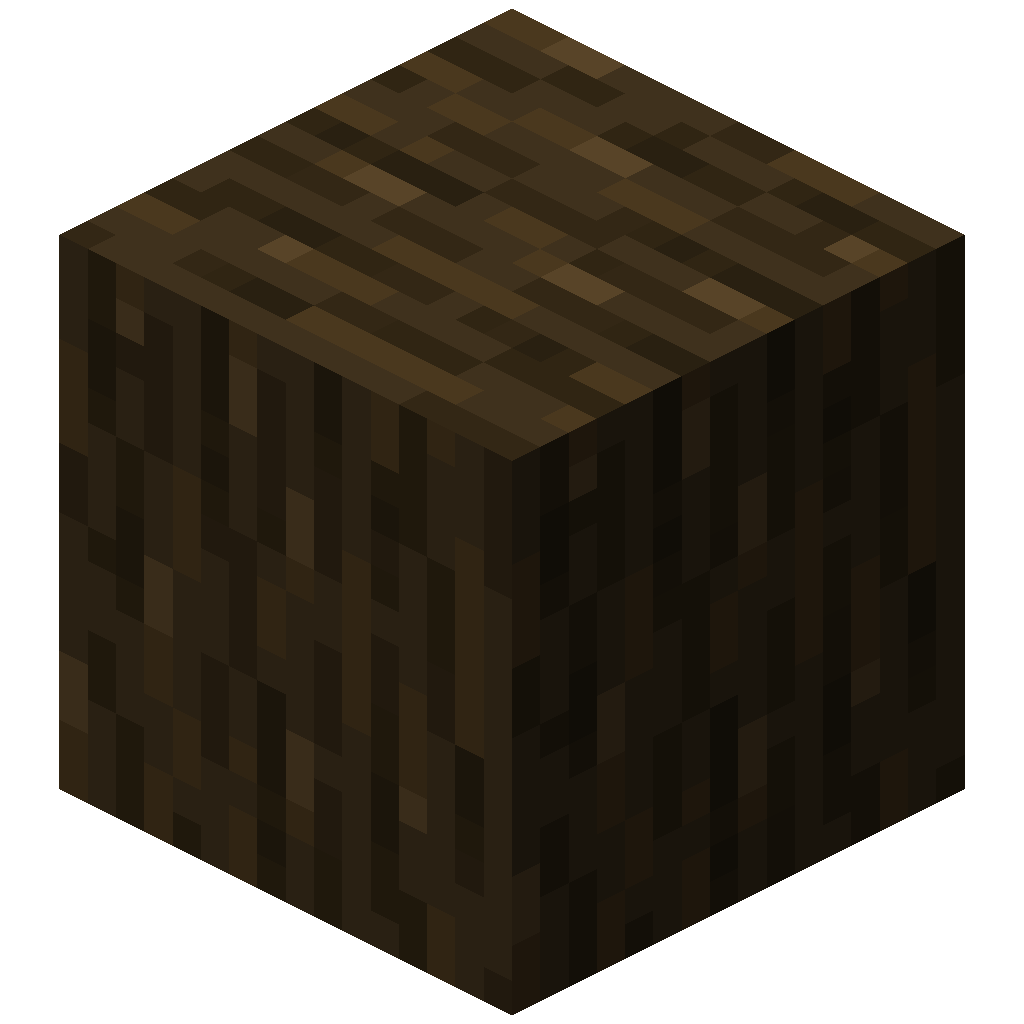 | dark_oak |
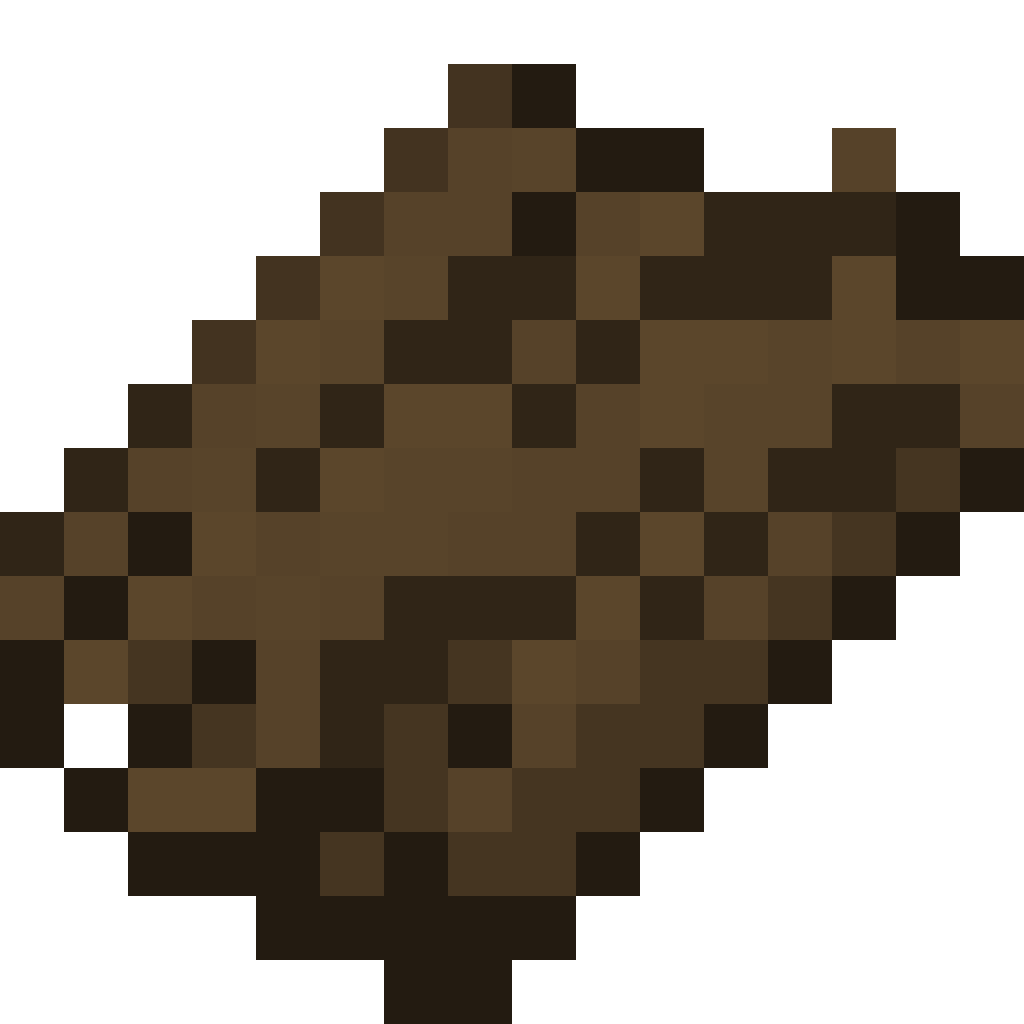 Mangrove Bark Mangrove Bark | 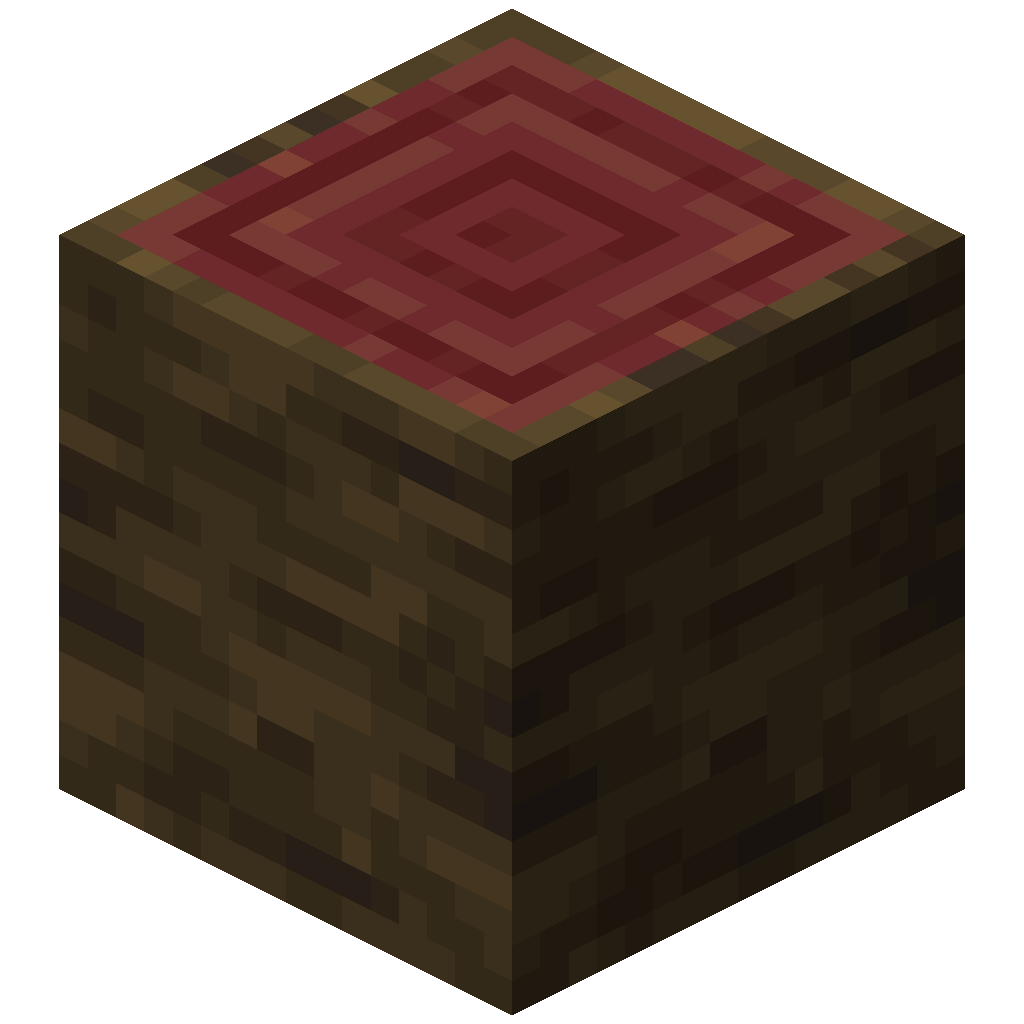 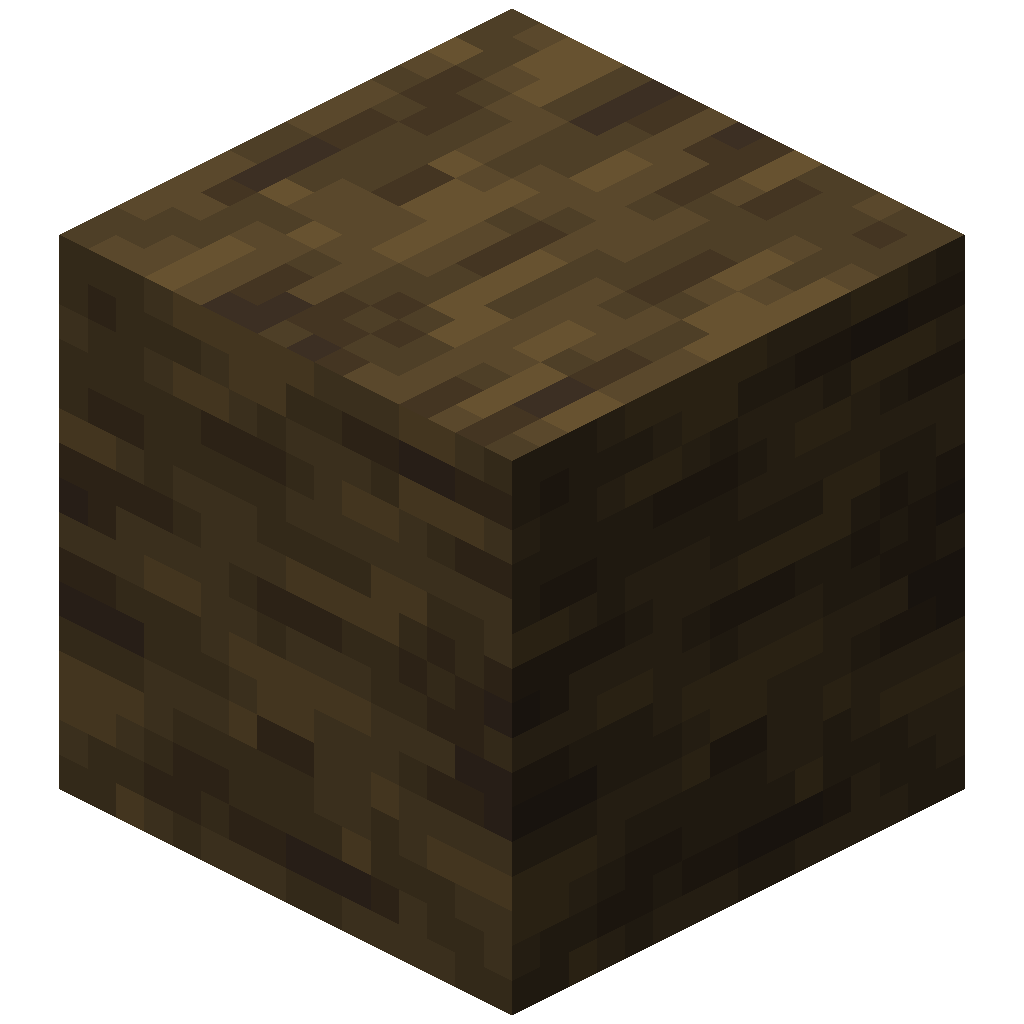 | mangrove |
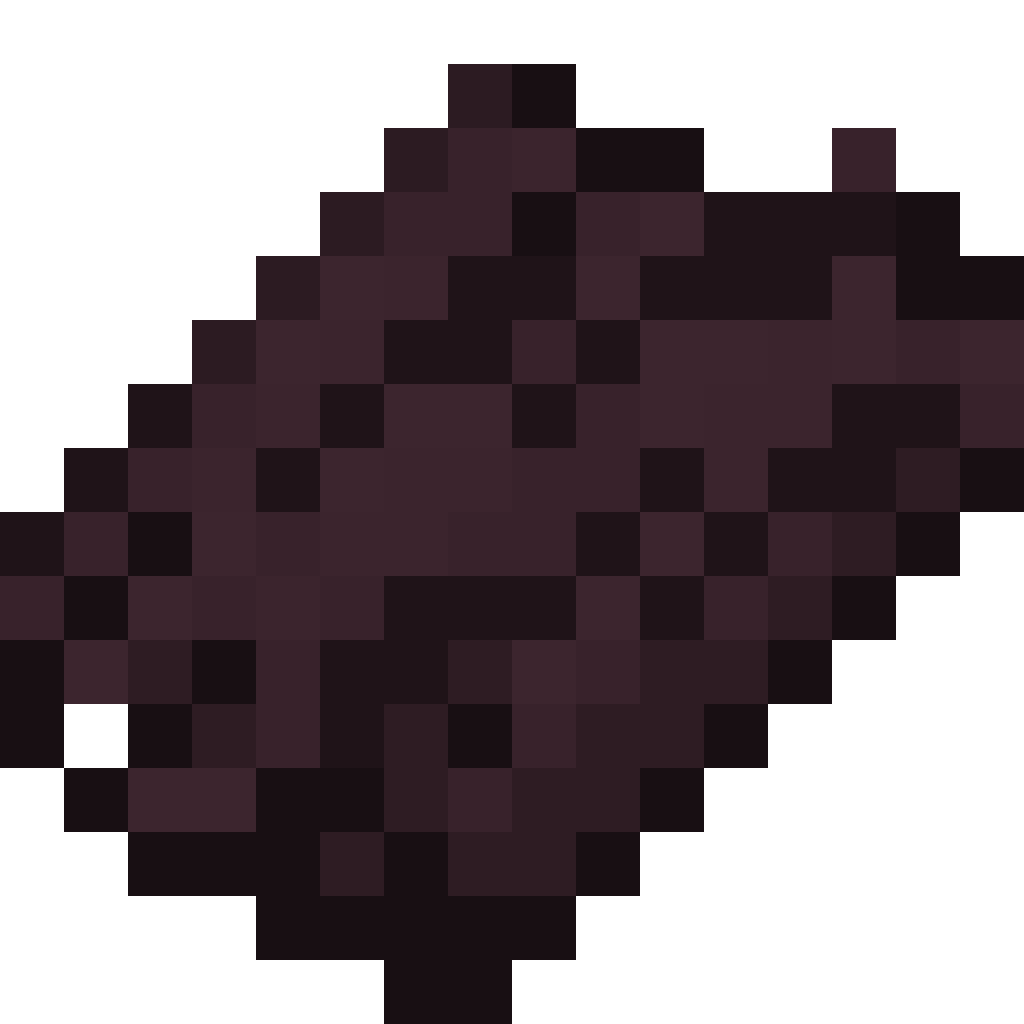 Cherry Bark Cherry Bark | 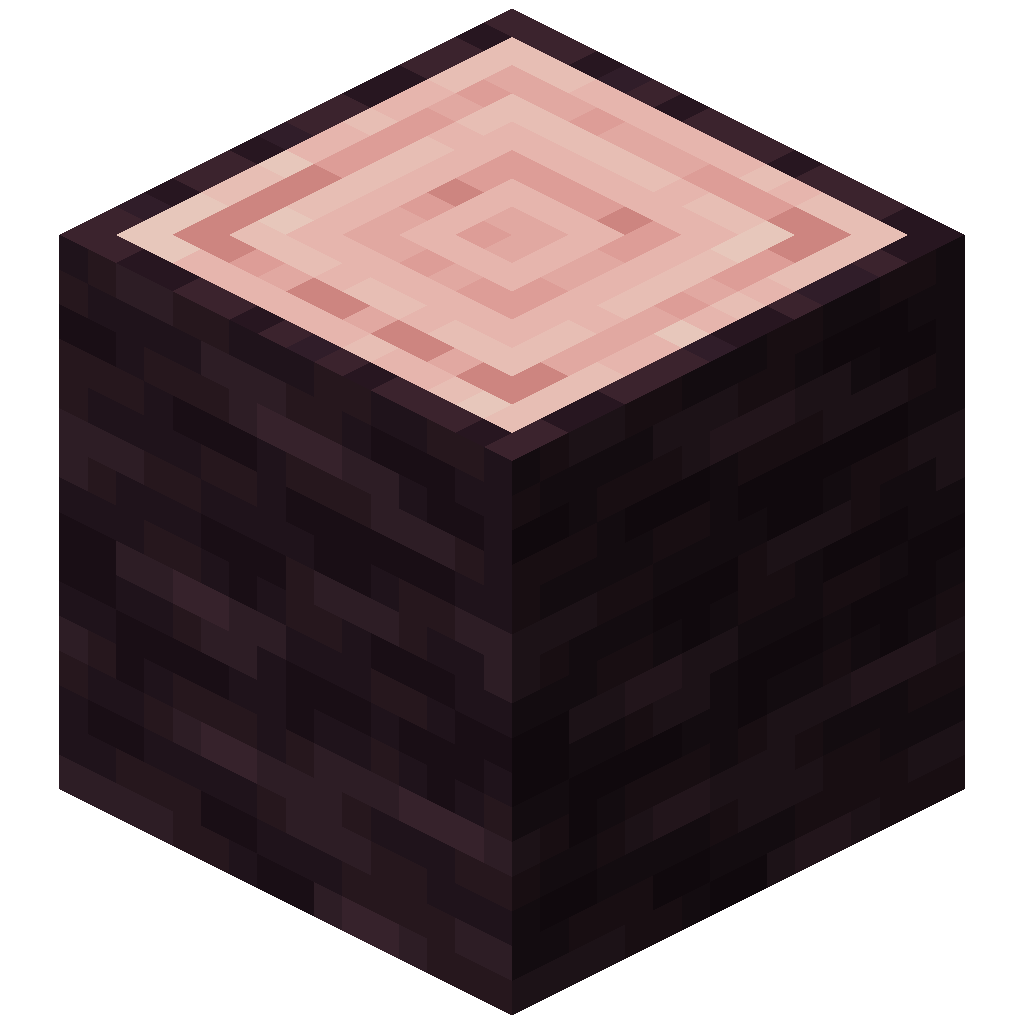 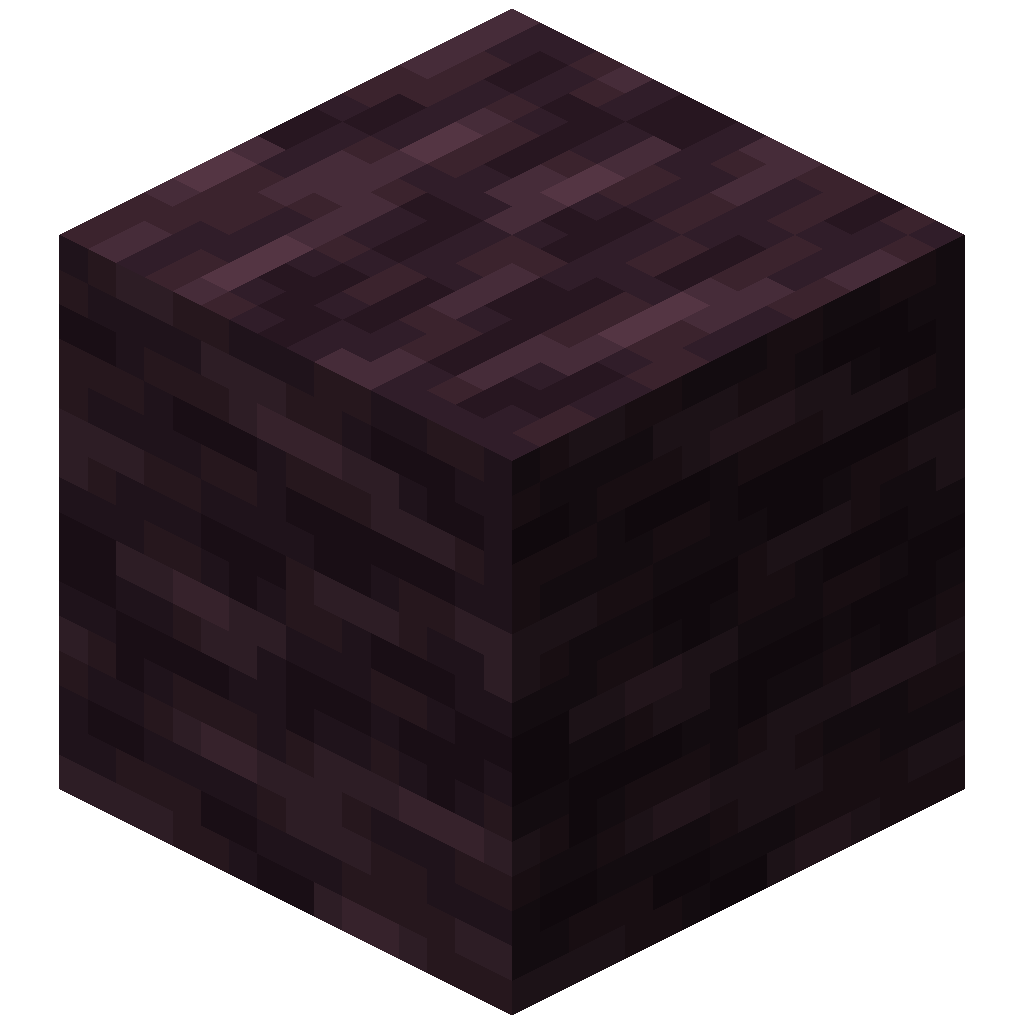 | cherry |
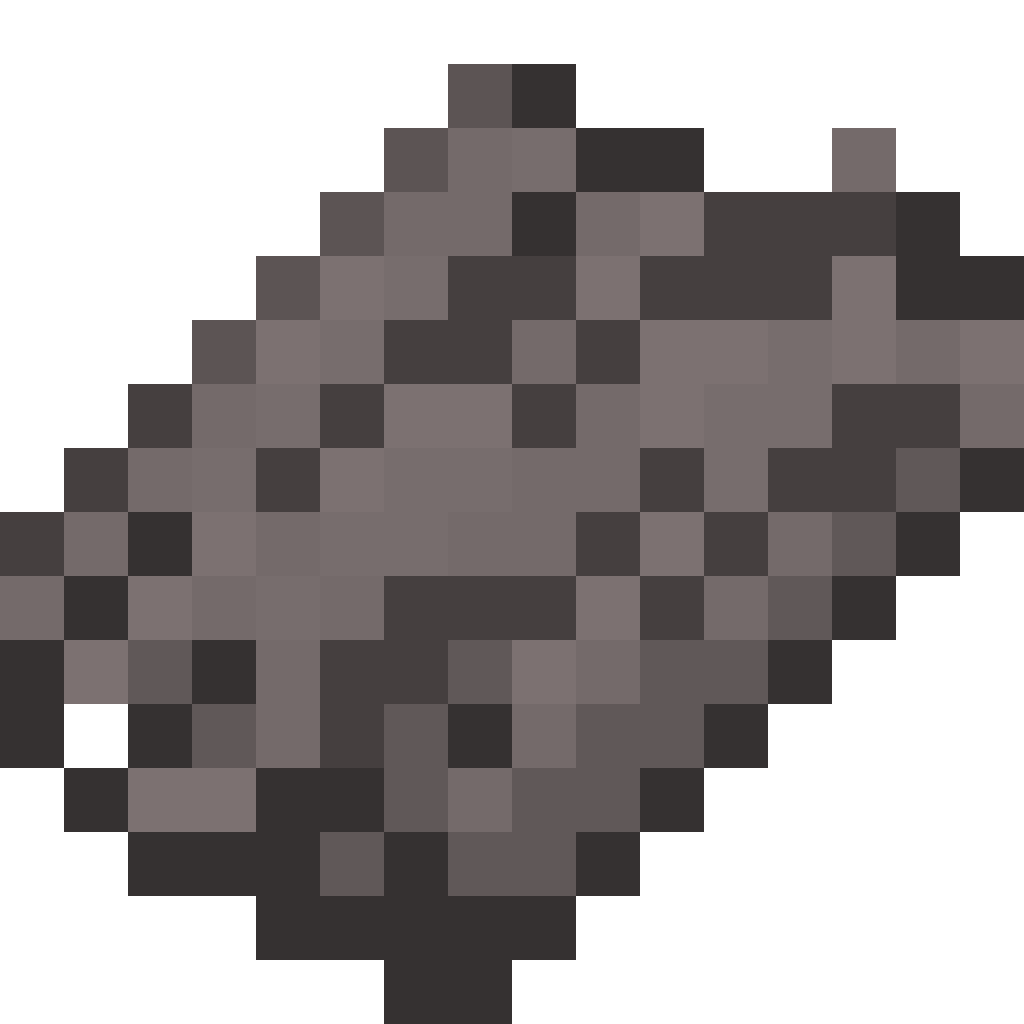 Pale Oak Bark Pale Oak Bark | 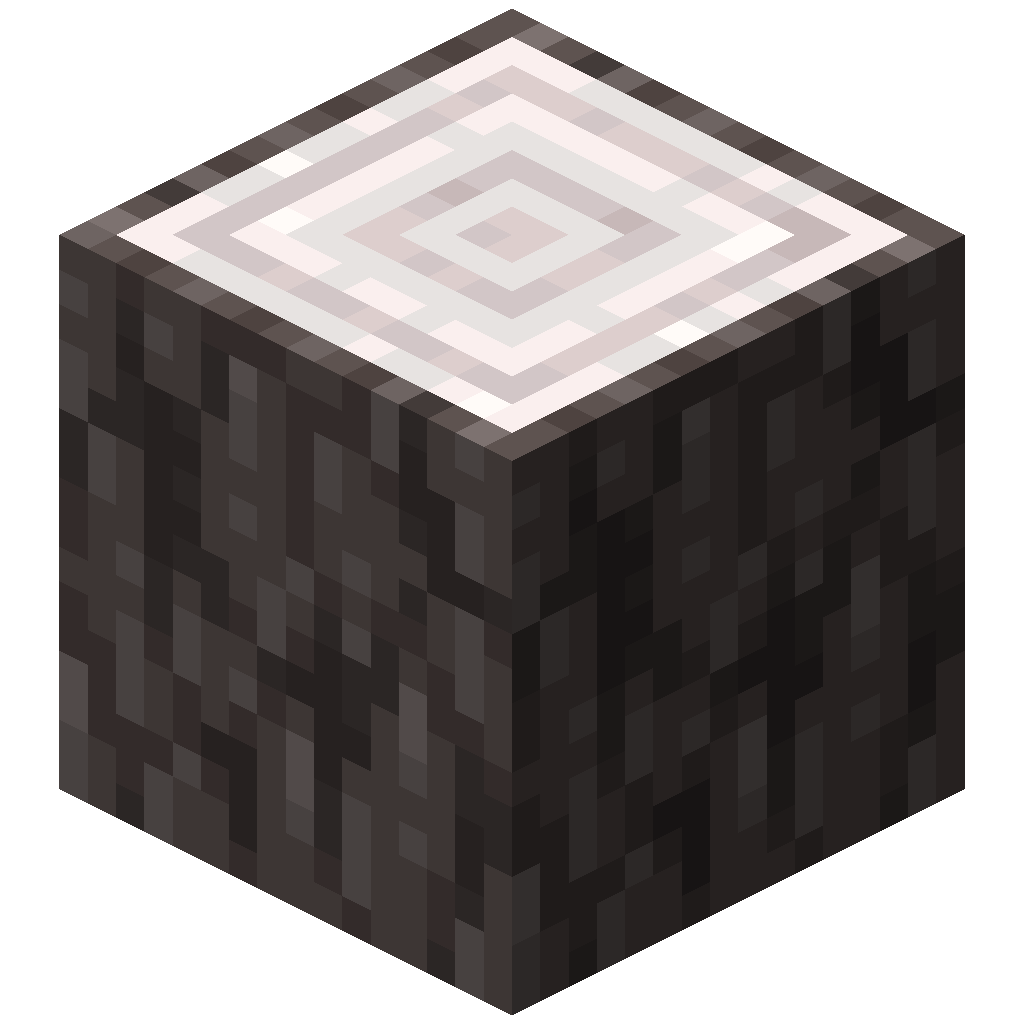 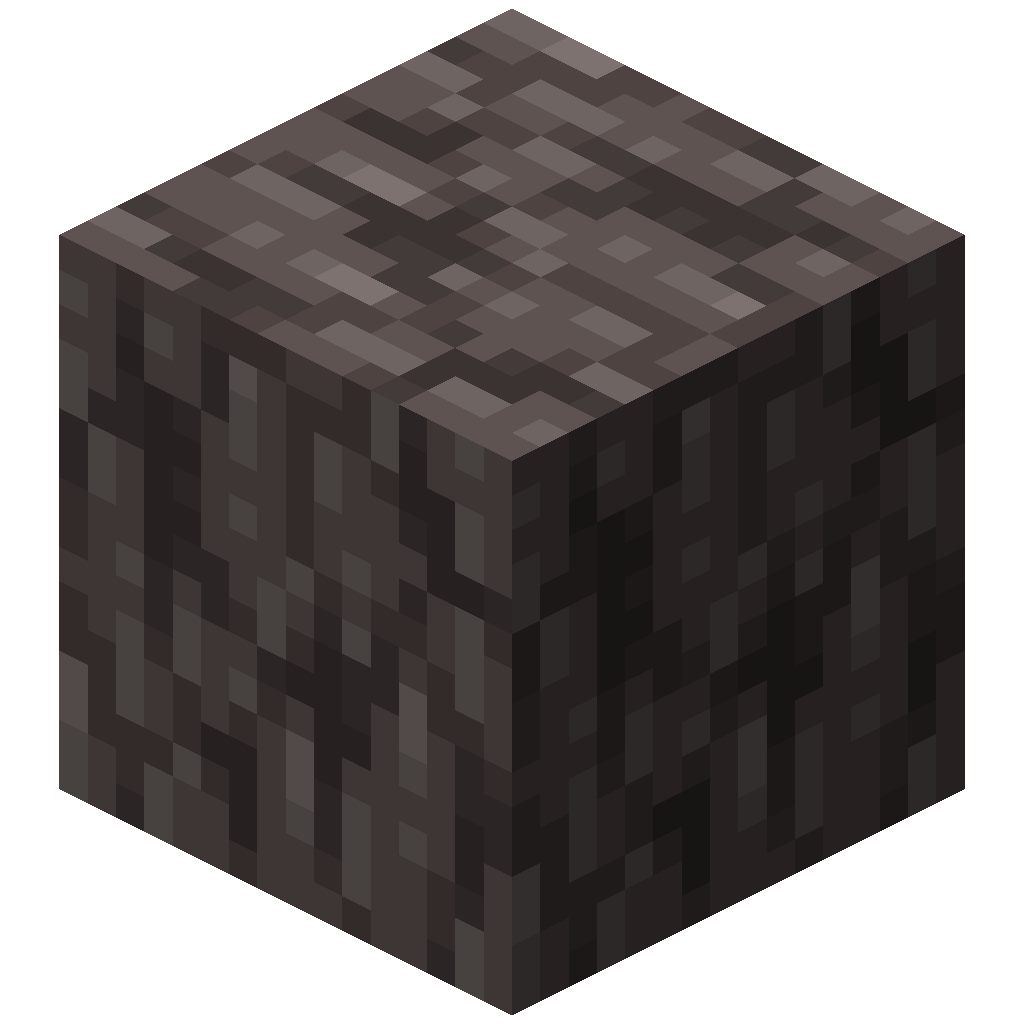 | pale_oak |
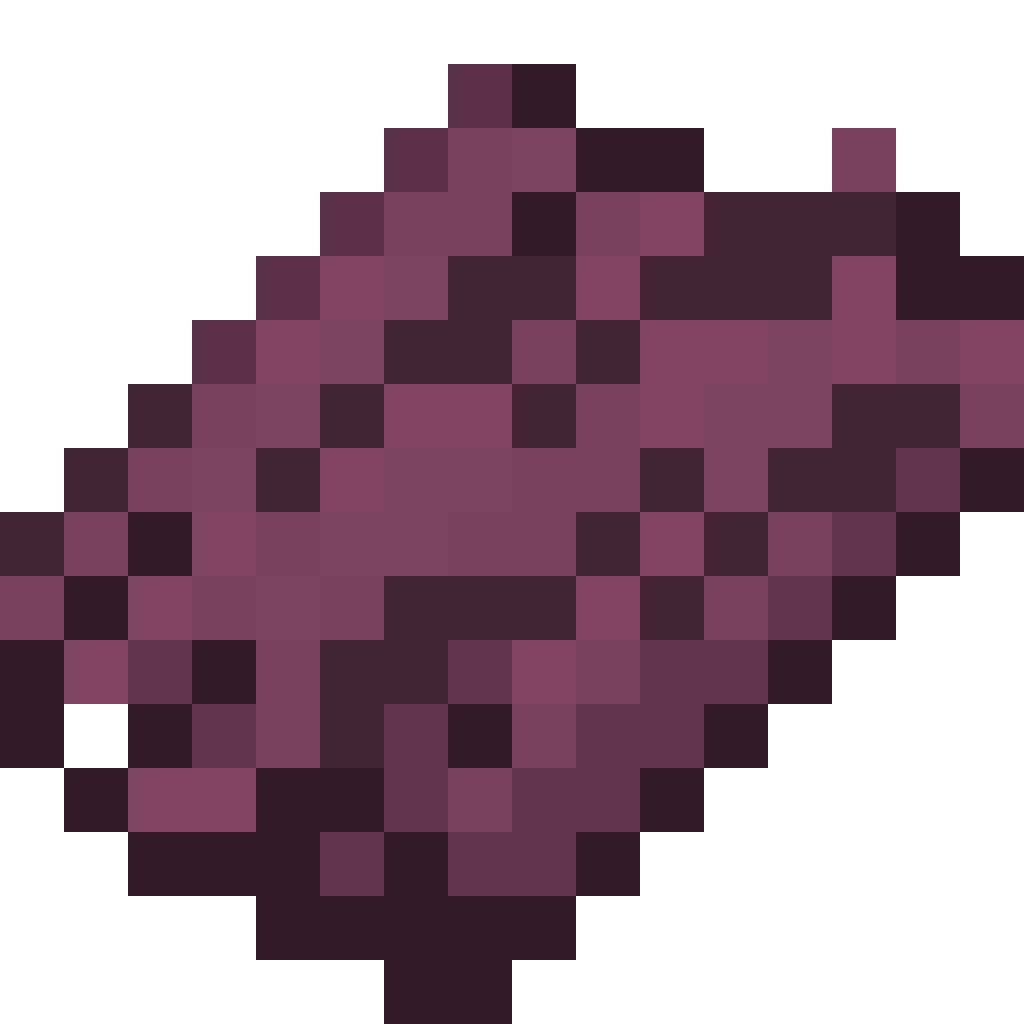 Crimson Bark Crimson Bark | 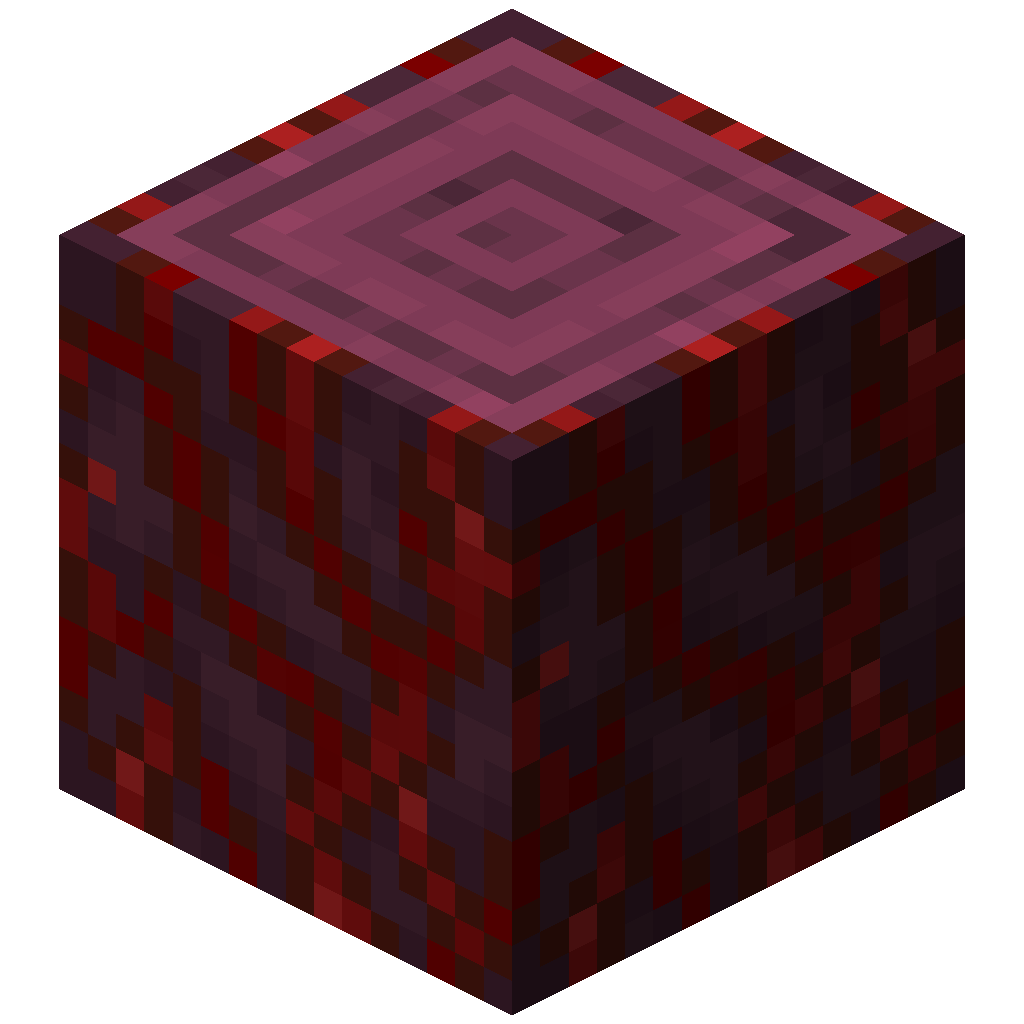 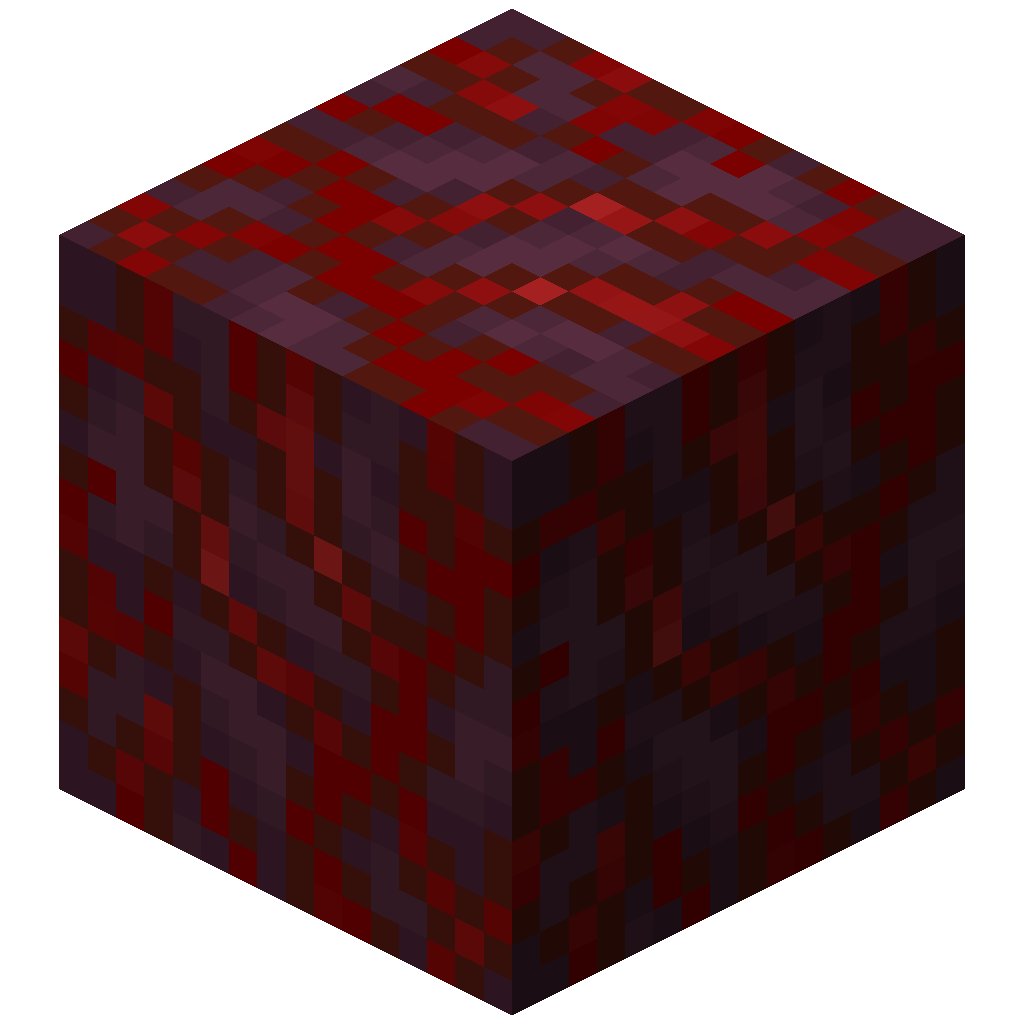 | crimson |
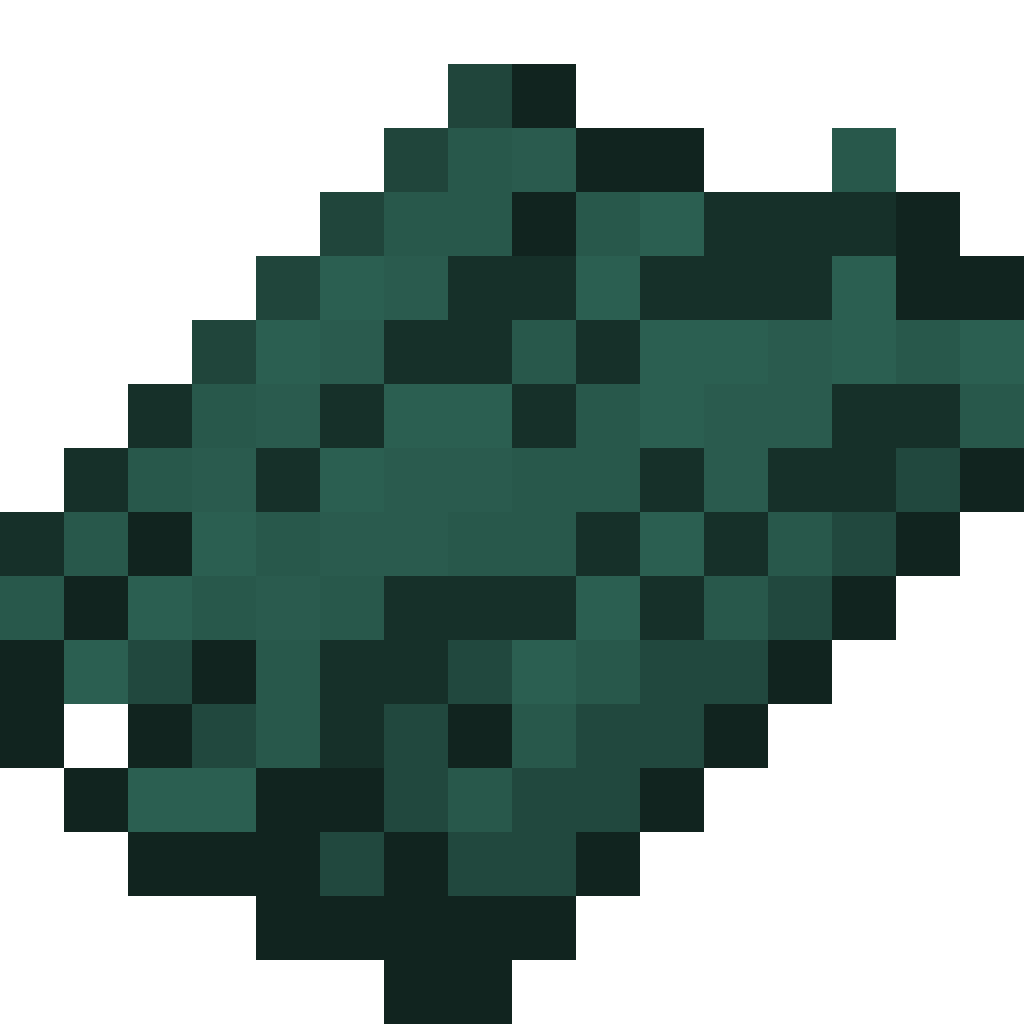 Warped Bark Warped Bark | 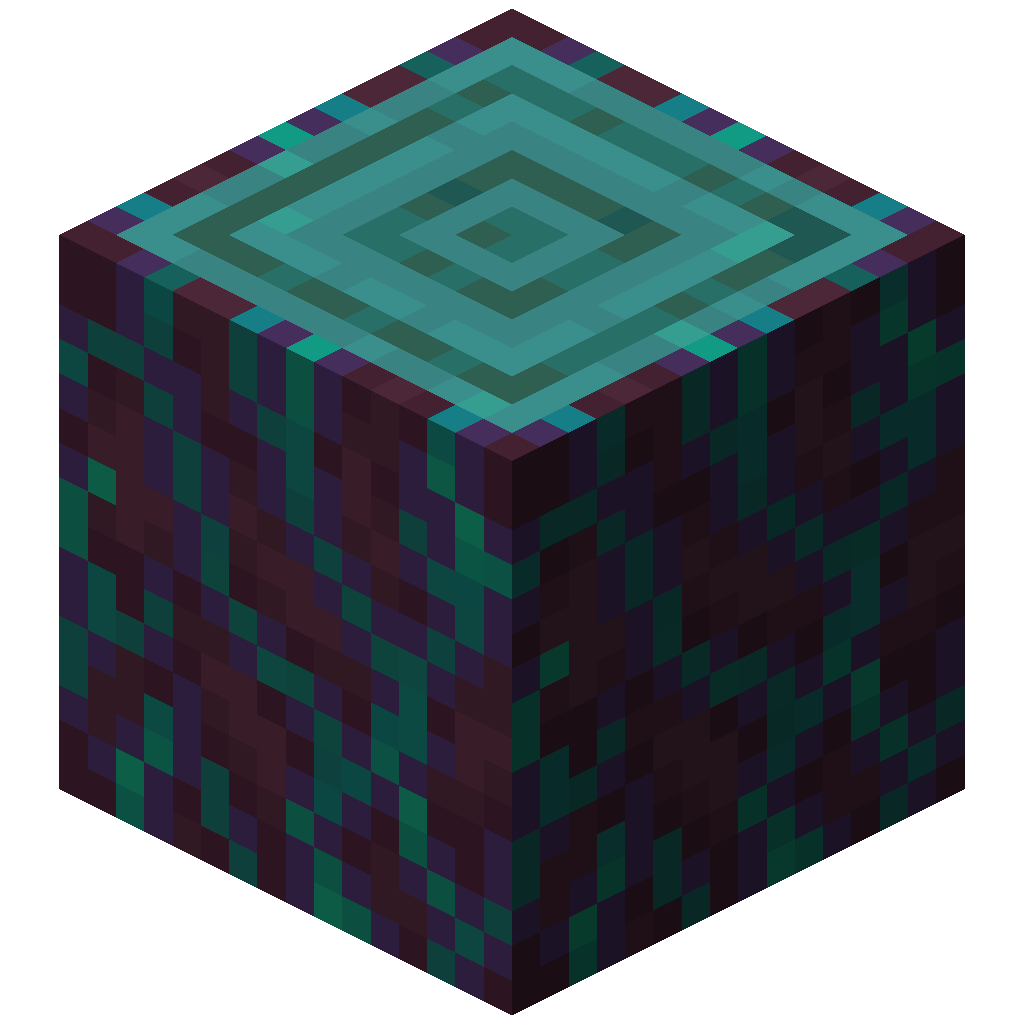 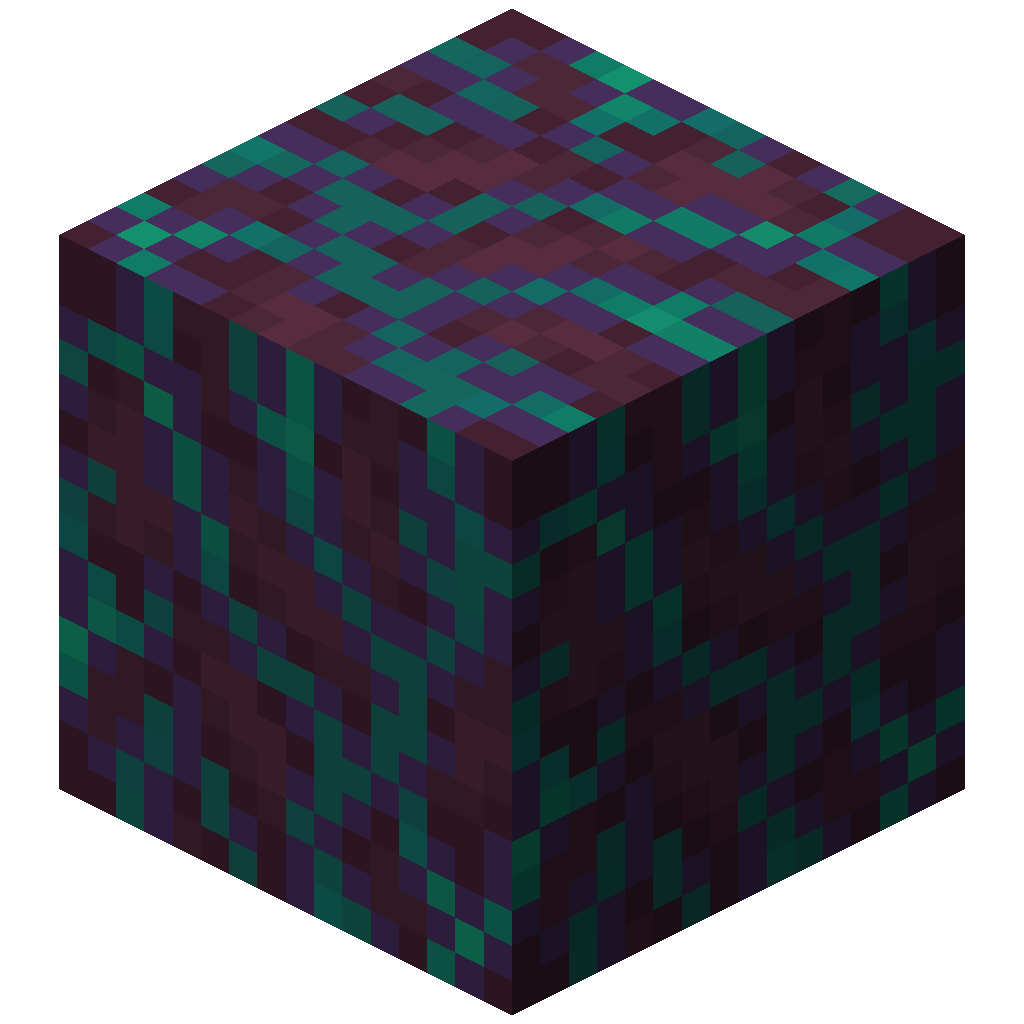 | warped |
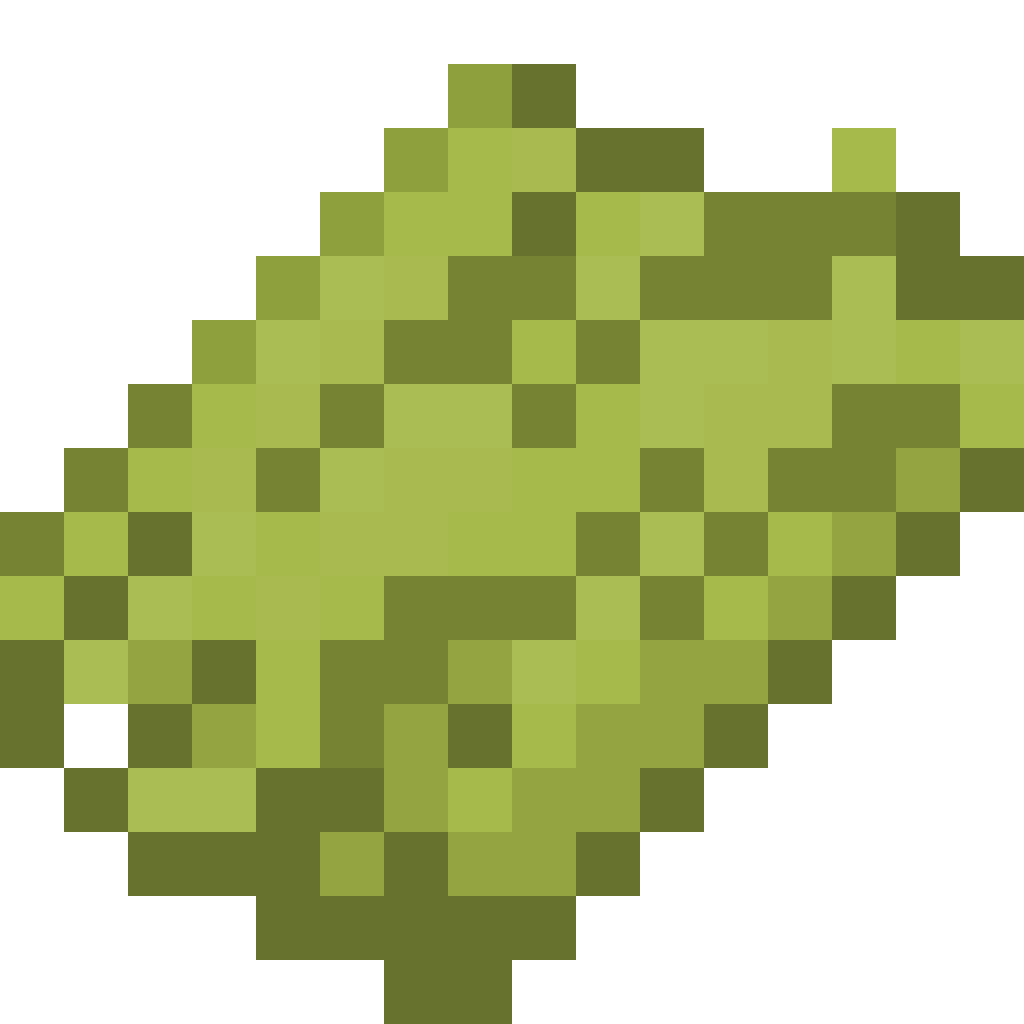 Bamboo Bark Bamboo Bark | 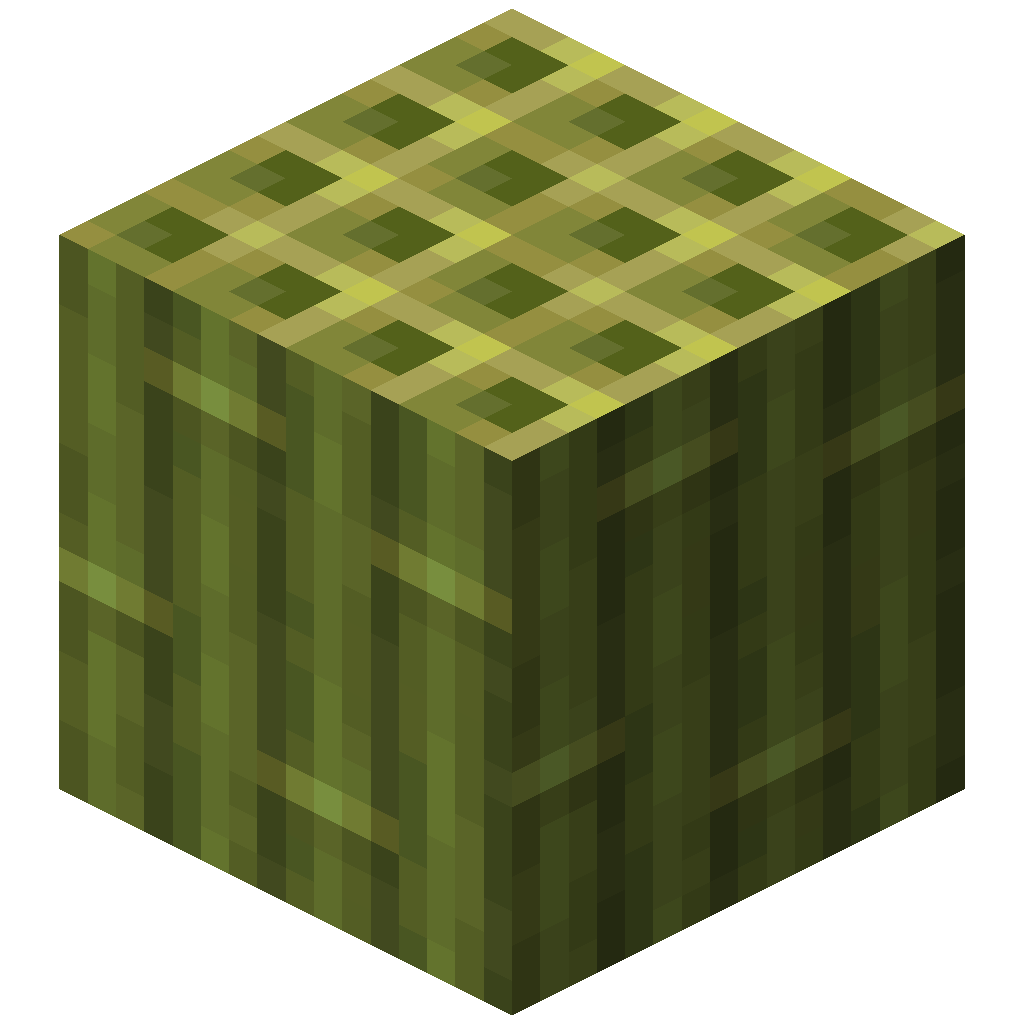 | bamboo |
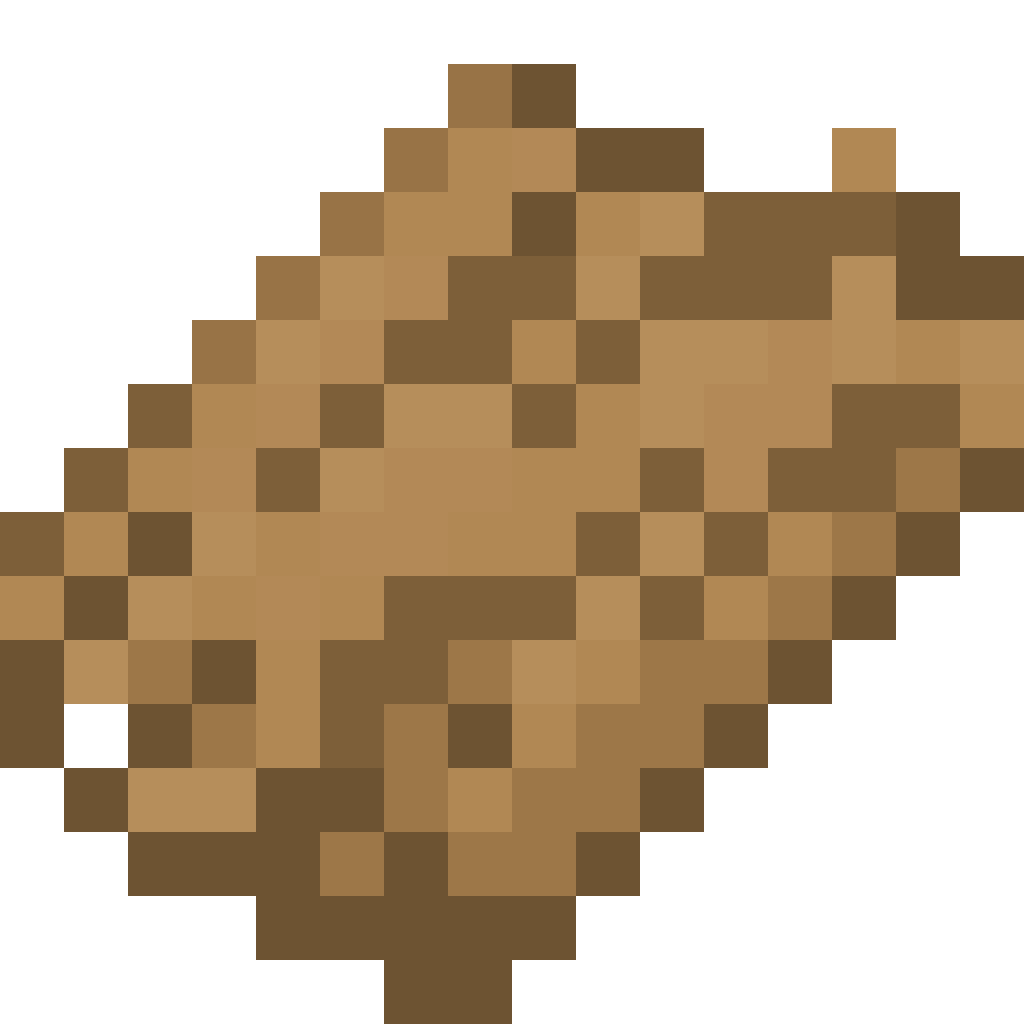 Bark Bark | Modded logs with no entry of their own | none |
[
  { "name": "oak", "texture": "unstriplog:textures/item/oak_bark.png" },
  { "name": "spruce", "texture": "unstriplog:textures/item/spruce_bark.png" },
  { "name": "birch", "texture": "unstriplog:textures/item/birch_bark.png" },
  { "name": "jungle", "texture": "unstriplog:textures/item/jungle_bark.png" },
  { "name": "acacia", "texture": "unstriplog:textures/item/acacia_bark.png" },
  { "name": "dark_oak", "texture": "unstriplog:textures/item/dark_oak_bark.png" },
  { "name": "mangrove", "texture": "unstriplog:textures/item/mangrove_bark.png" },
  { "name": "cherry", "texture": "unstriplog:textures/item/cherry_bark.png" },
  { "name": "pale_oak", "texture": "unstriplog:textures/item/pale_oak_bark.png" },
  { "name": "crimson", "texture": "unstriplog:textures/item/crimson_bark.png" },
  { "name": "warped", "texture": "unstriplog:textures/item/warped_bark.png" },
  { "name": "bamboo", "texture": "unstriplog:textures/item/bamboo_bark.png" }
]
The mod writes each entry on several lines and in no particular order; the content is the same.
Adding a bark type
A new bark type needs a name and a texture from a resource pack.
Name
Add a translation item.unstriplog.<name>_bark to a resource pack's language file:
{
  "item.unstriplog.maple_bark": "Maple Bark"
}
The key always starts with item.unstriplog., whatever namespace the texture is in.
Texture
Put a PNG, 16×16 like other item textures, at the path in texture. For mymod:textures/item/maple_bark.png, that is assets/mymod/textures/item/maple_bark.png in the resource pack. It is drawn like any flat item, so it needs no model file.
See Example: a modded wood for the complete set of files.